

Quick start
Follow these five steps to install Farming, start a coding Agent, and complete a verifiable first task.
Prepare the host
You need:
- macOS or Linux;
- at least one coding Agent that already starts successfully, such as Codex, Claude Code, Pi, or OpenCode.
Farming does not replace provider authentication. Sign in to the corresponding CLI on the Mac or Linux host running Farming and confirm that it can start independently.
Checkpoint
On the same Mac or Linux host running Farming, the target coding Agent CLI starts without waiting for sign-in or initial setup.
Install and open Farming
Run these commands on the host where your Agents will run:
npm install --global farming-code@latest --registry=https://registry.npmjs.org
farming daemon
Open the address printed in the terminal. See Installation and updates for dependencies.
Protect authenticated URLs
The Token in an authenticated URL grants access to Farming. Do not put it in public logs, screenshots, issues, or chat messages.
Checkpoint
The browser shows Farming Code with New Agent in the upper-left corner.
Start your first Agent
- Choose New Agent in the upper-left corner.
- Select a coding Agent.
- Select the Workspace that contains your repository.
- Choose Chat or Terminal, then create the Agent.
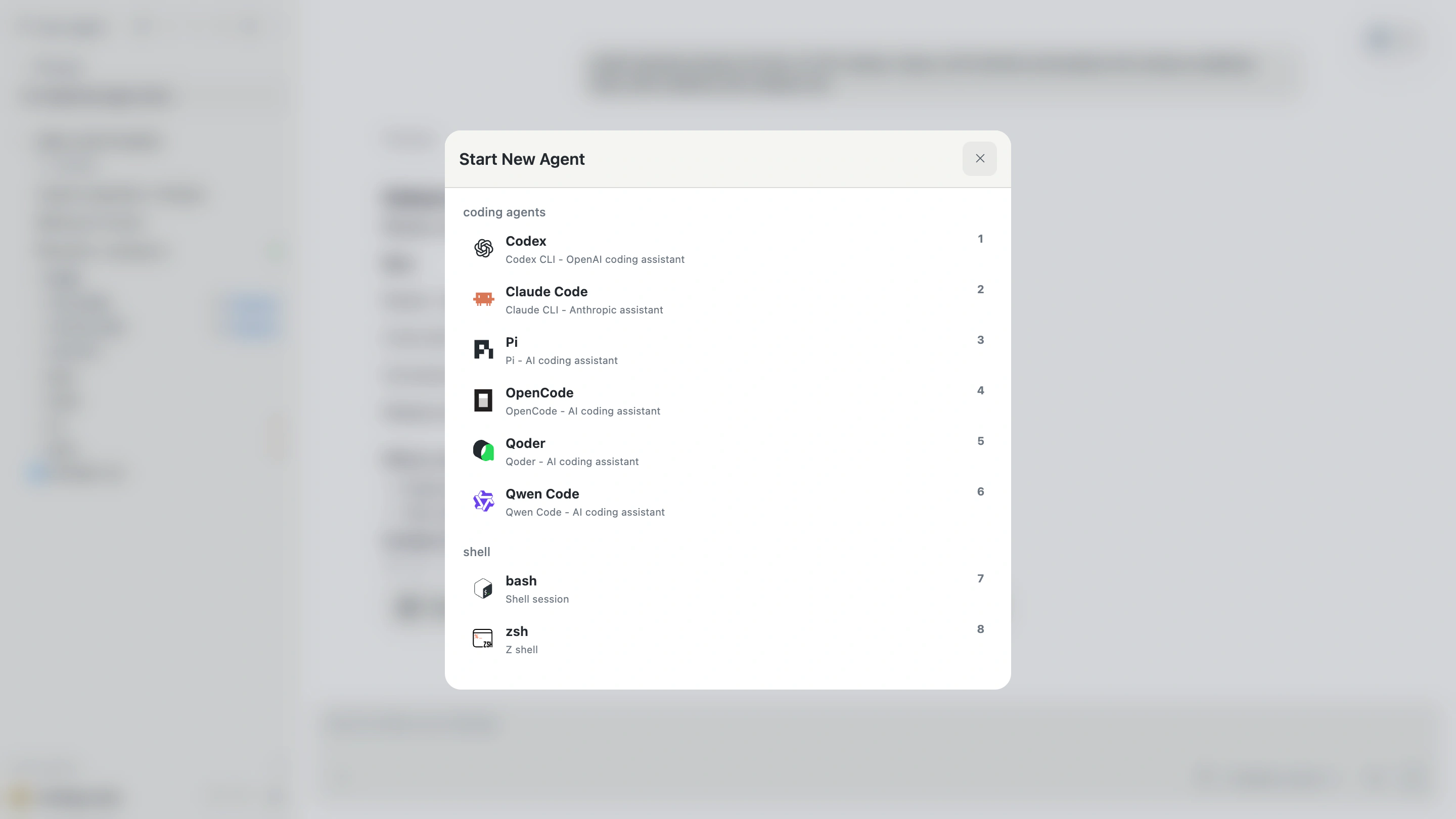
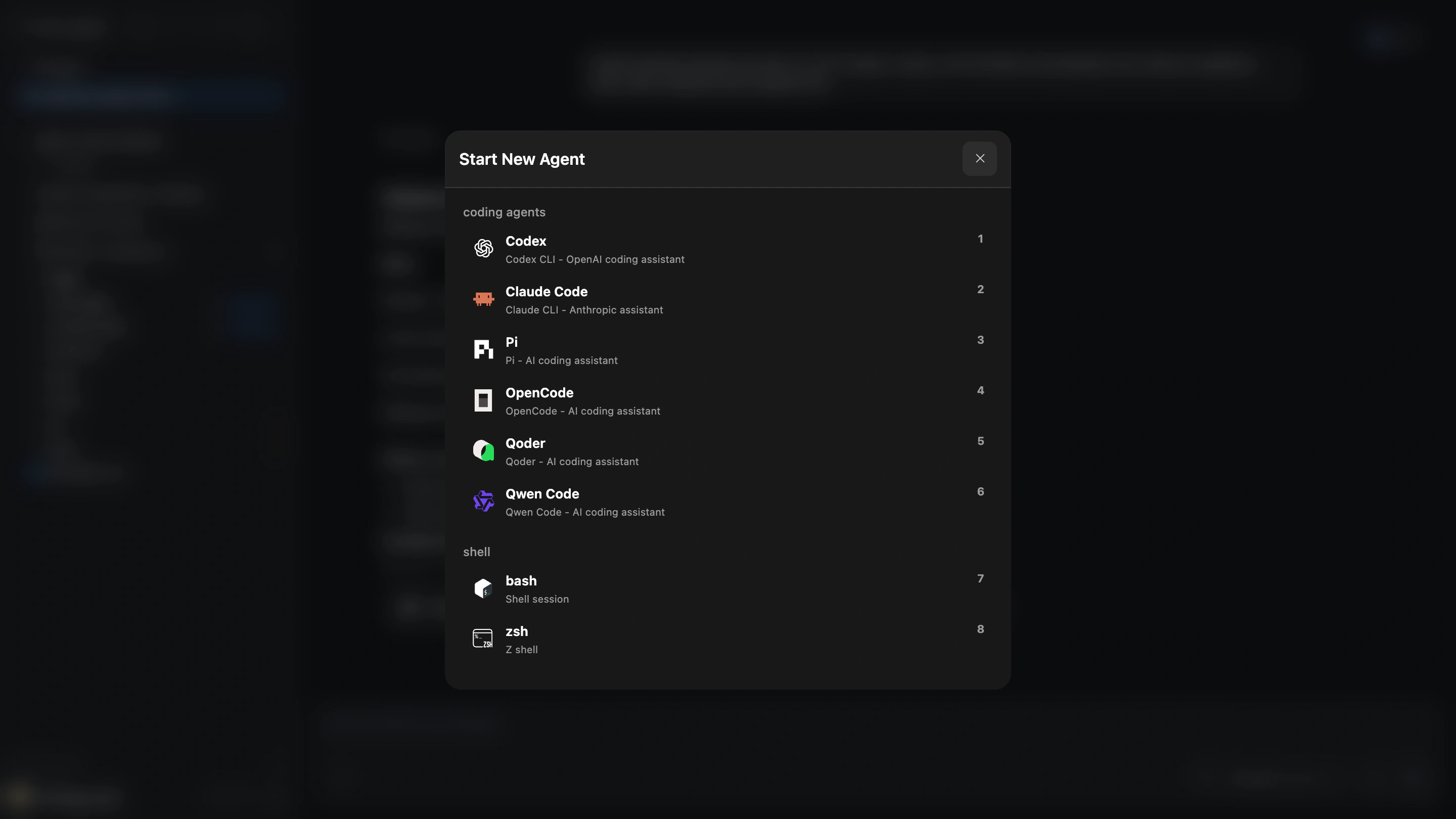
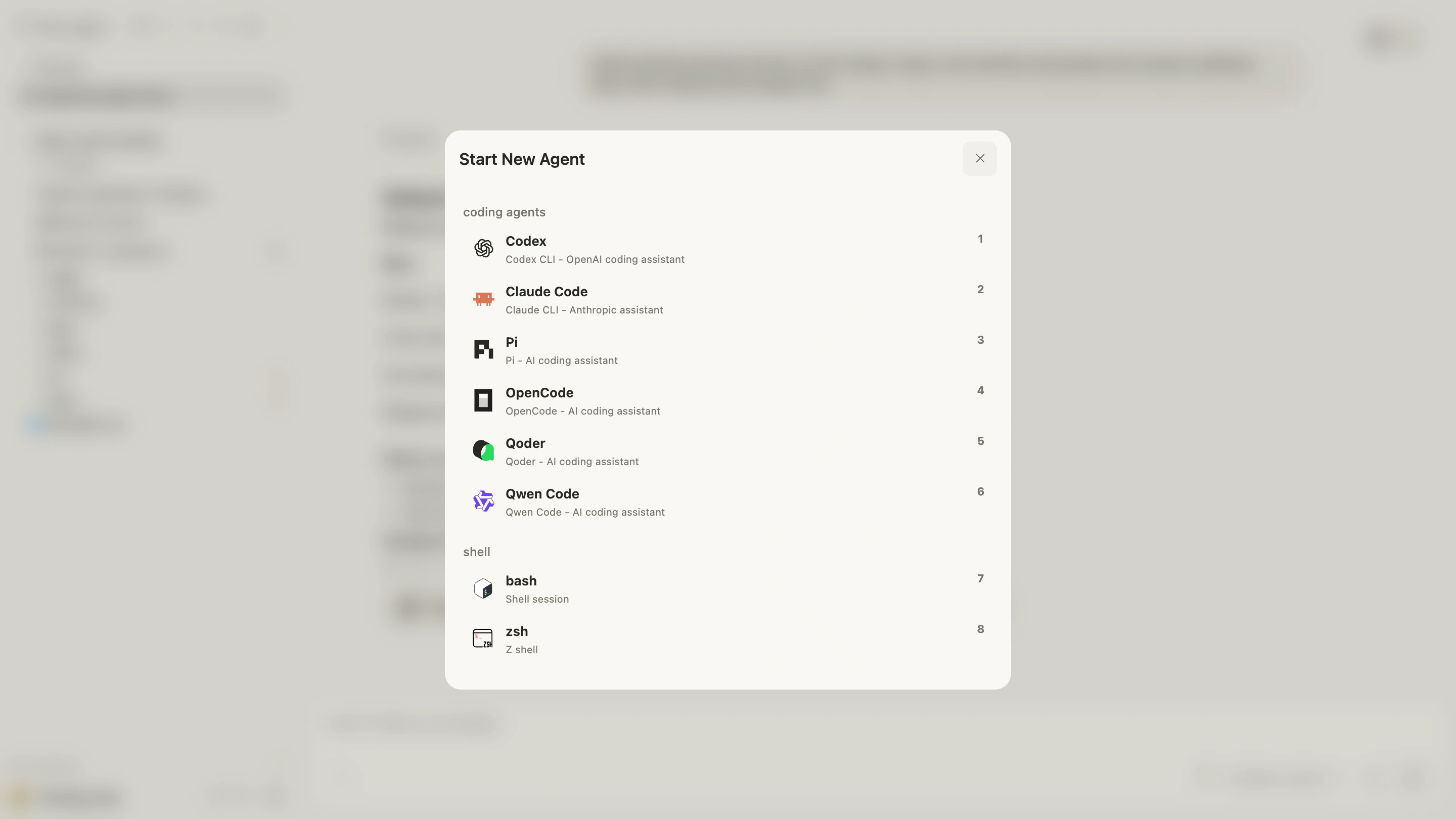
Chat is best for reading structured progress and results. Terminal is best for direct interaction with the native CLI. Both run on the Farming Host, not in the browser.
Checkpoint
The new Agent page shows the intended Workspace and either the Chat or Terminal interface.
Complete a read-only task
Start with something small and verifiable:
Explain how this repository runs its tests, then find one small module that a new
contributor could understand. Do not modify files. List the key entry points,
relevant tests, and the commands you actually checked.
Then follow the work:
- Read the Agent's progress and final result in Chat.
- Open important files mentioned by the Agent and confirm that the paths and code exist.
- Switch to Terminal, or ask for a focused command, when you need native output.
- If evidence is missing, ask for it explicitly—for example, “Run the test you mentioned and report the exact command and result.”
- When the result is verified, give the Agent a searchable title and archive completed work.
Checkpoint
The result includes file paths, test locations, and command output that you can verify independently.
Try a small change
After a read-only task, try a narrowly scoped edit:
Fix one clearly outdated command in the README. Change only the relevant paragraph,
preserve the existing writing style, and check adjacent links. Explain the change
and how you verified it.
Check whether the Agent:
- changed only the requested scope;
- opened or searched authoritative files;
- ran verification appropriate to the risk;
- clearly separated verified and unverified results.
See Verify and finish for the full workflow.
Checkpoint
You inspected the actual file changes and can distinguish what the Agent verified from what remains unverified.
What happens when the browser closes?
Closing the tab does not automatically stop running Agents. Reopen the same Farming address to continue.
To print the address again:
farming urlIf the service is not running, start it again with farming daemon.