

Farming Code
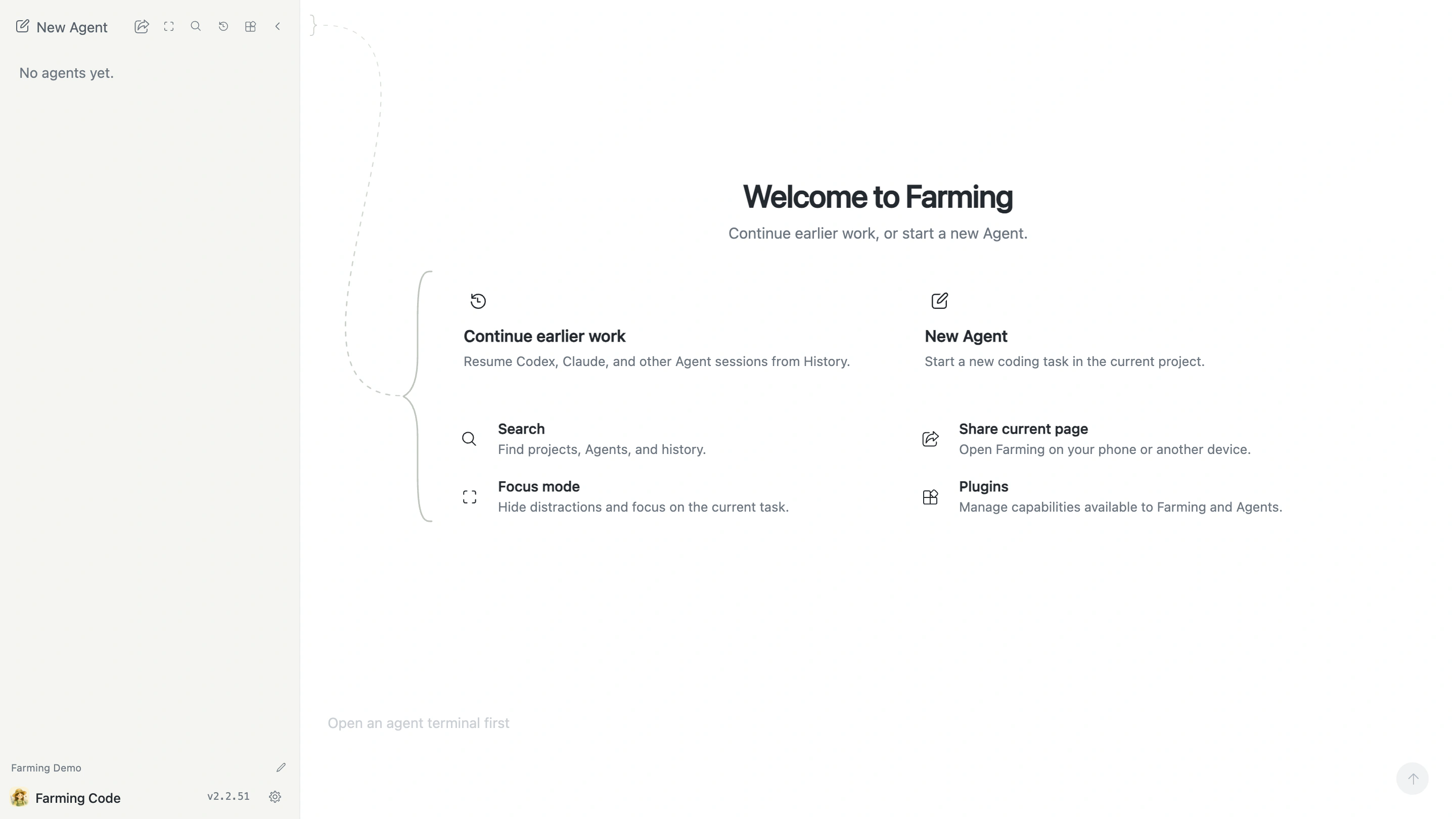
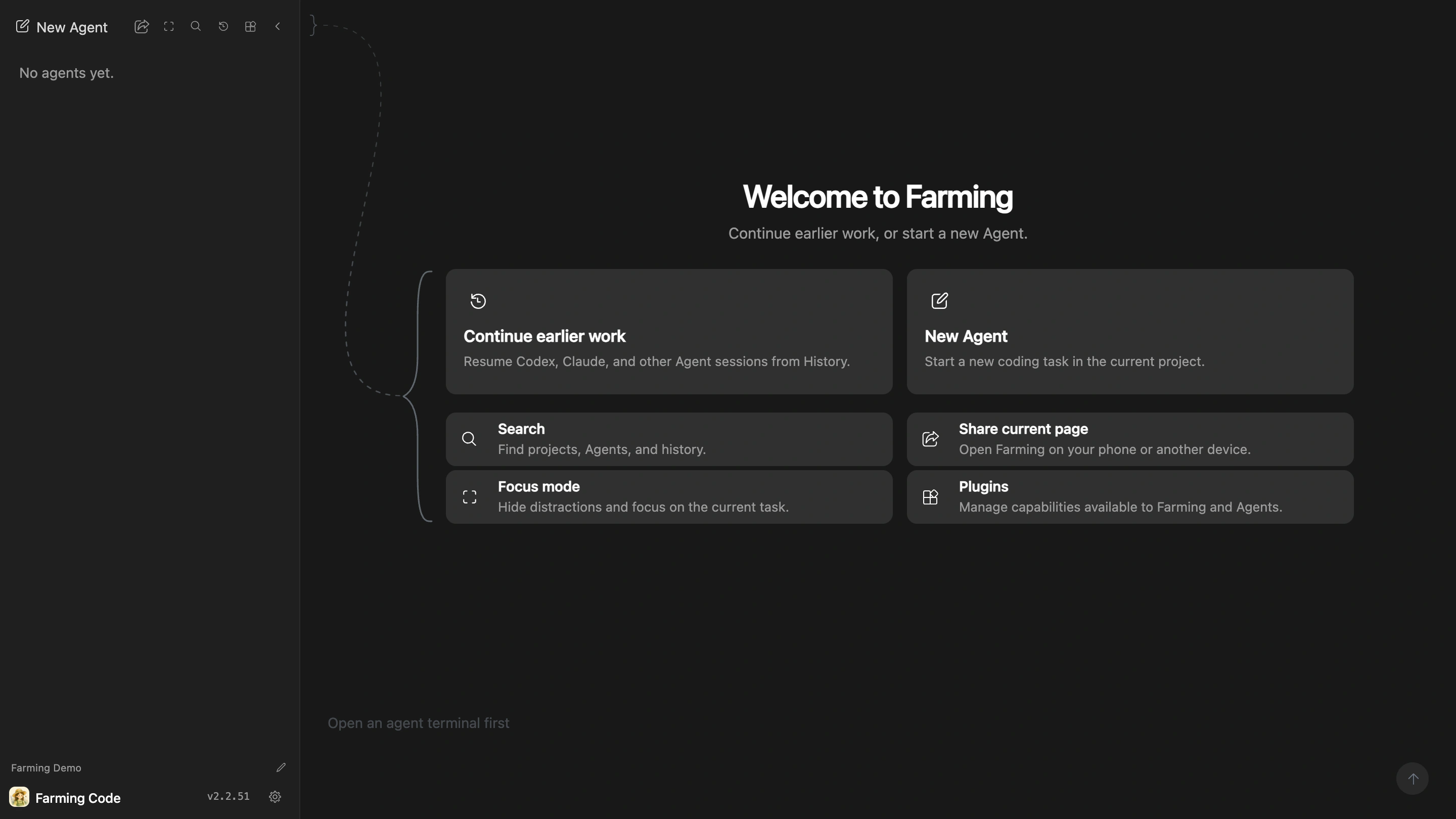
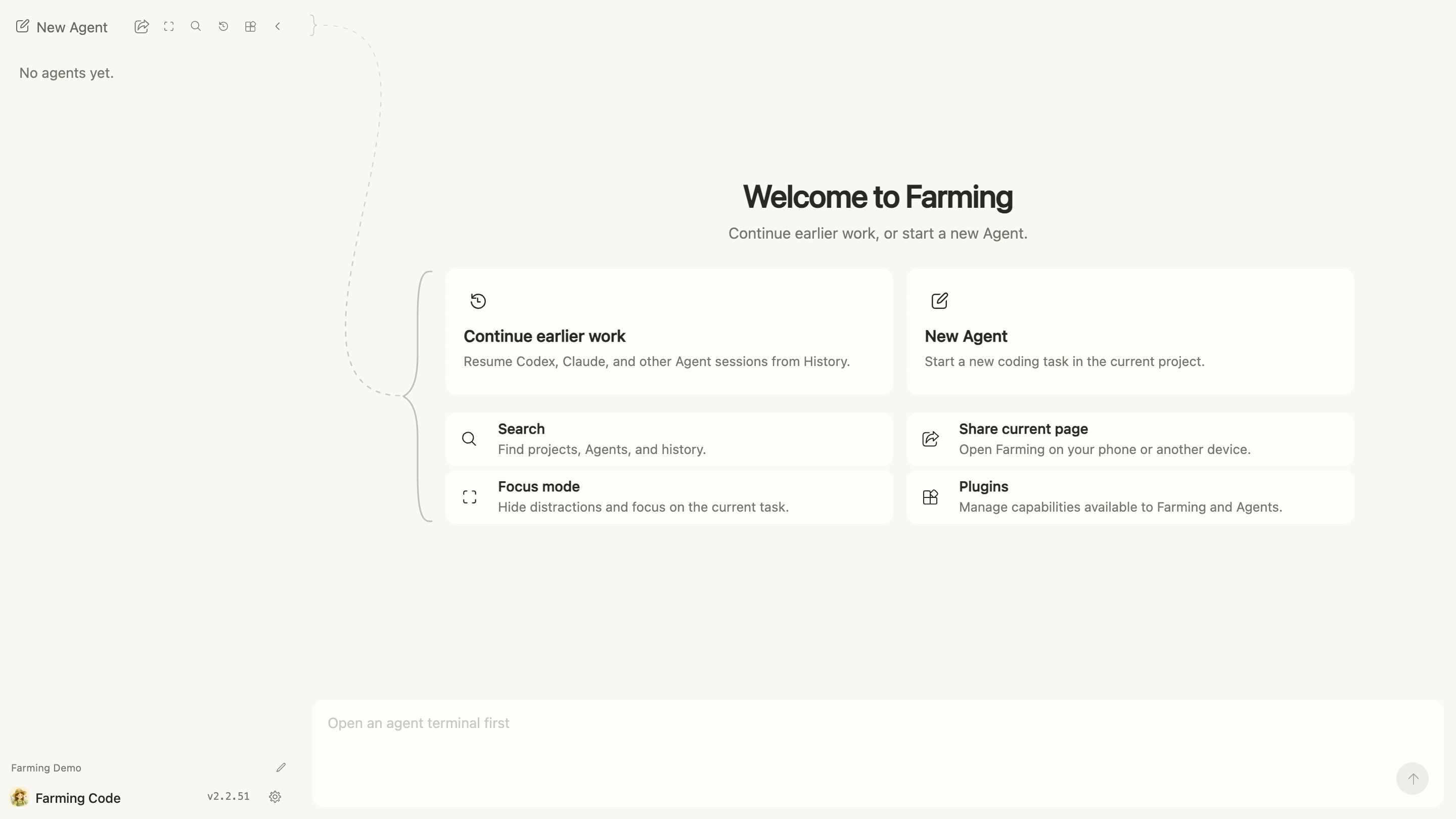
Farming Code is the default browser workspace. Start or continue Agents here, and inspect Files, Chat, Terminal, and History in one interface.
See the glossary whenever a product term is unfamiliar.
Workspace parts
- Project: a repository and its working context.
- Agent: a coding Agent or Shell Session running in a Project.
- Files: browse, search, and lightly edit Project files.
- Chat: structured Agent progress, tool activity, and results.
- Terminal: a real PTY and CLI on the Farming Host.
- History: find and resume supported earlier Sessions.
Plugins can add Browser and other external Resources. Agent Homes let one Agent provider use several accounts or configurations. These capabilities do not change the relationship among Code, CRT, and Sessions.
Farming's service owns Agent state, Sessions, Workspaces, configuration, and permissions. After a short network interruption or interface switch, reopen the page to read current state.
Recommended workflow
- Choose the correct Project and Provider from New Agent.
- Describe the task and acceptance criteria in Chat.
- Open related files or Terminal output to verify evidence.
- Send precise follow-ups when the work needs adjustment.
- Archive Agents that no longer need to remain in the active list.
Chat or Terminal?
Use Chat when you want structured progress, visible tool activity, model or permission controls, and easy follow-up from a phone.
Use Terminal when you want native CLI interaction, CLI shortcuts, or complete unstructured terminal output.
When the Provider supports it, the same Agent can switch between Chat and Terminal. Switching does not create another Agent.