

Mobile and remote use
The Farming backend runs on the development machine. Desktop and phone browsers connect through an authenticated URL; Agents, Terminals, and Project files do not move to the client device.
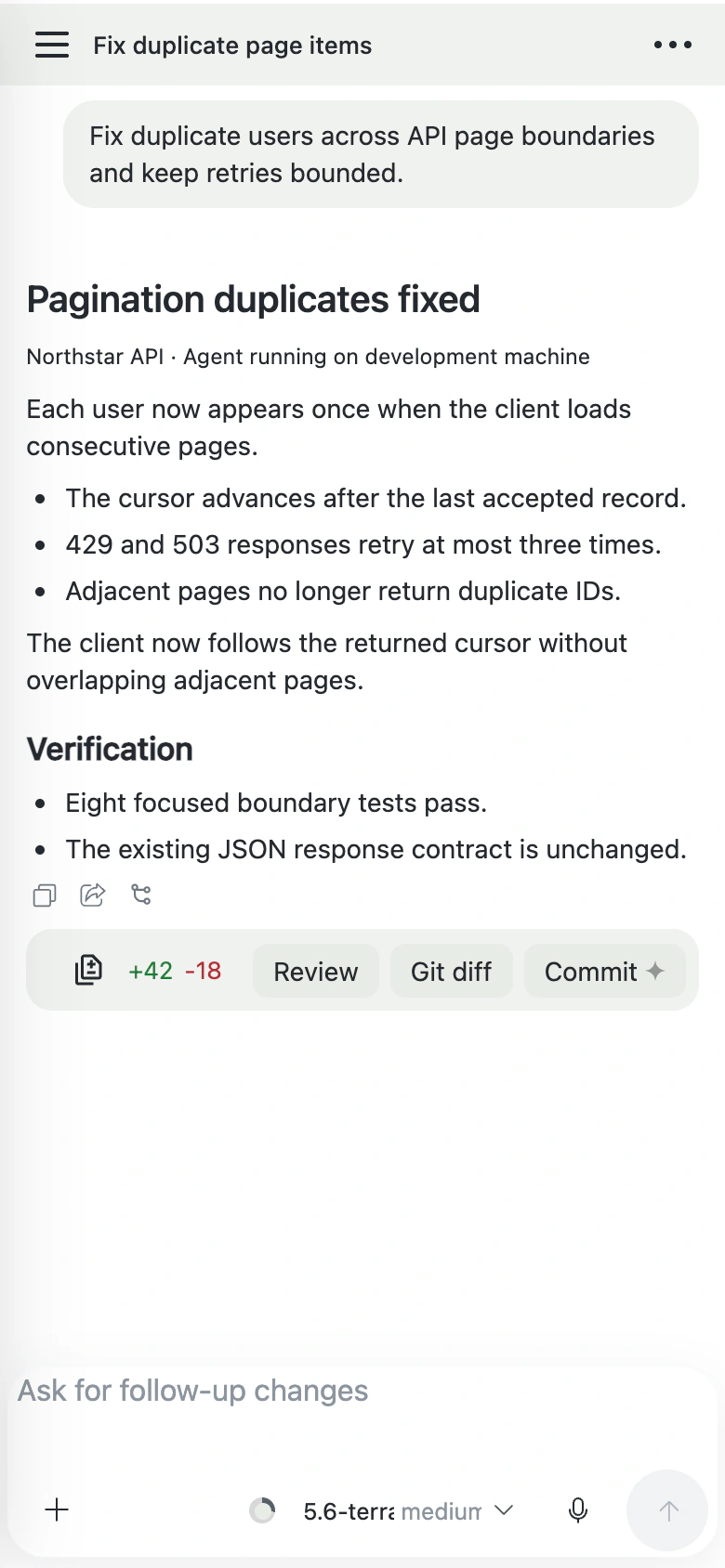
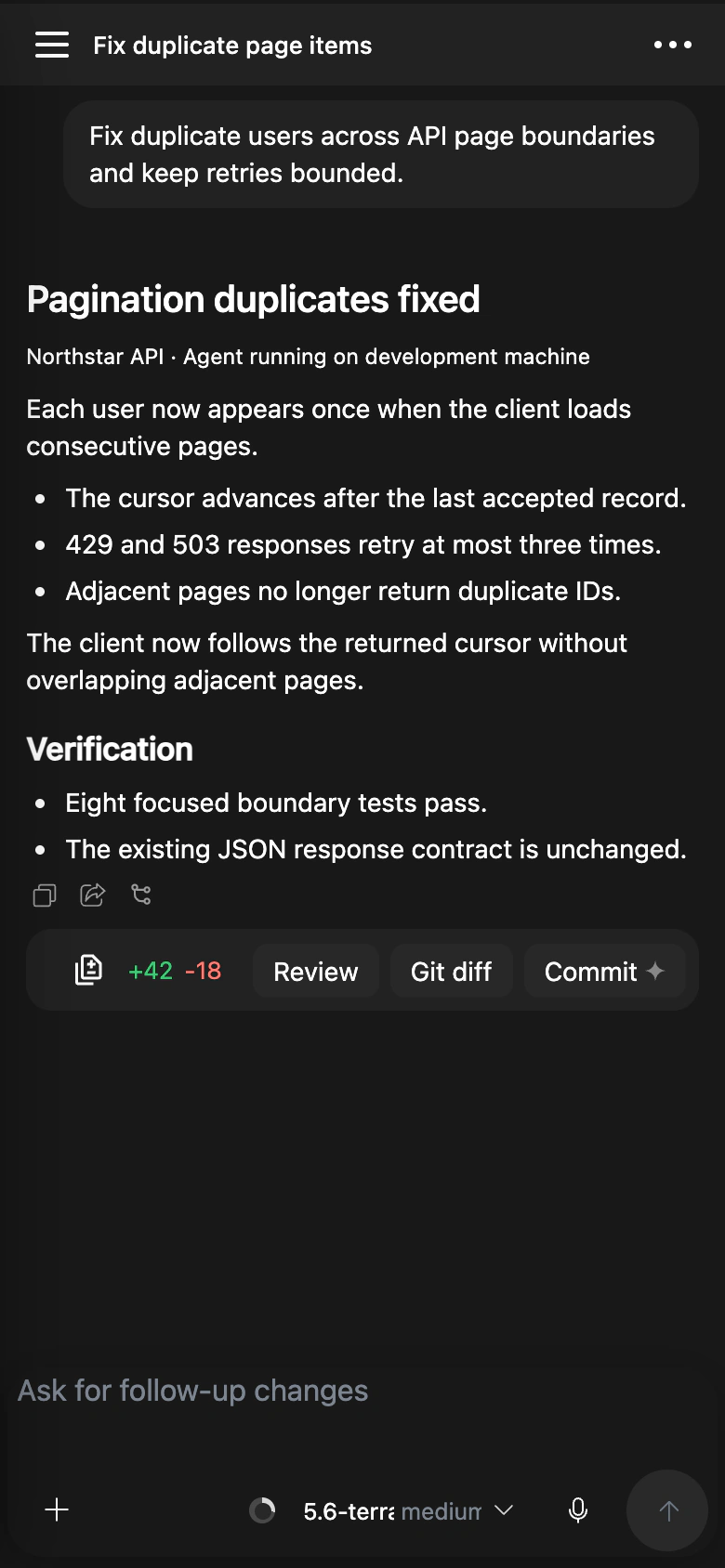
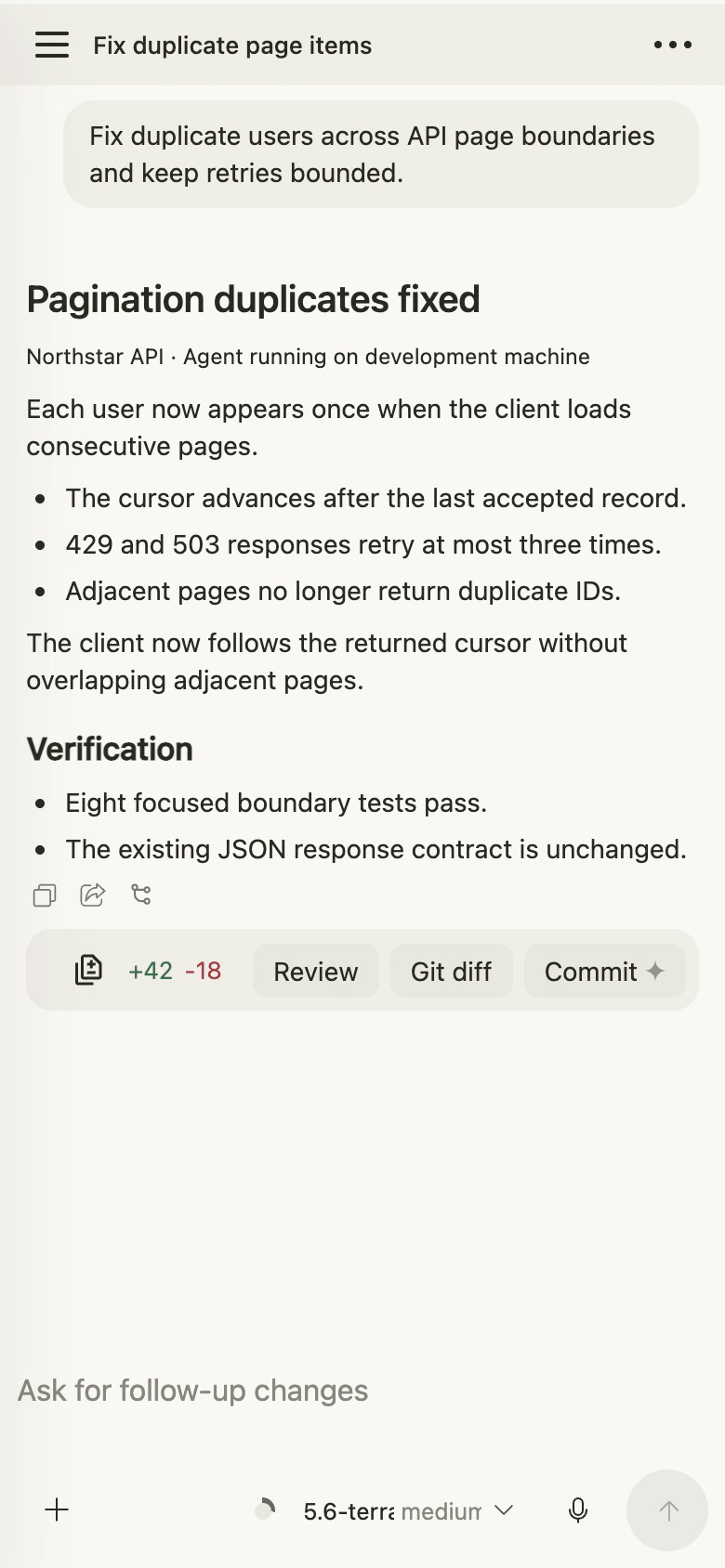
Use from a phone
Phones are useful for checking whether an Agent finished or needs input, reading results, sending short follow-ups, and switching among Chat, Terminal, and Files.
Complex terminal shortcuts, broad file edits, and long debugging sessions are better on a larger screen.
Connect from another device
- Run
farming daemonon the development machine. - Confirm that the other device can reach the printed address.
- Open the authenticated URL.
To print the current address on the Host:
farming urlWhen another device only needs to observe the current workspace, prefer a read-only link from Sharing and read-only access. You can also open the page-level share panel and scan its QR code with the phone camera or system QR scanner. A QR code created by an Owner grants full control, so scan it only on a trusted receiving device.
Security boundary
Do not expose Farming directly to an uncontrolled public network. Use a VPN, SSH tunnel, HTTPS reverse proxy, or equivalent protection across untrusted networks.
Treat authenticated URLs as credentials: do not share them publicly or include them in screenshots and issues. Signed-in sites inside Browser keep their own account and permission boundaries.
Disconnects
A closed browser or network interruption does not automatically stop an Agent. After reconnecting, inspect current state before sending more operations so uncertain results are not duplicated.