

Terminal
Terminal connects to a real PTY on the Farming Host. It is not a simulated command box in the browser; it is where coding CLIs, shells, and development tools actually run.
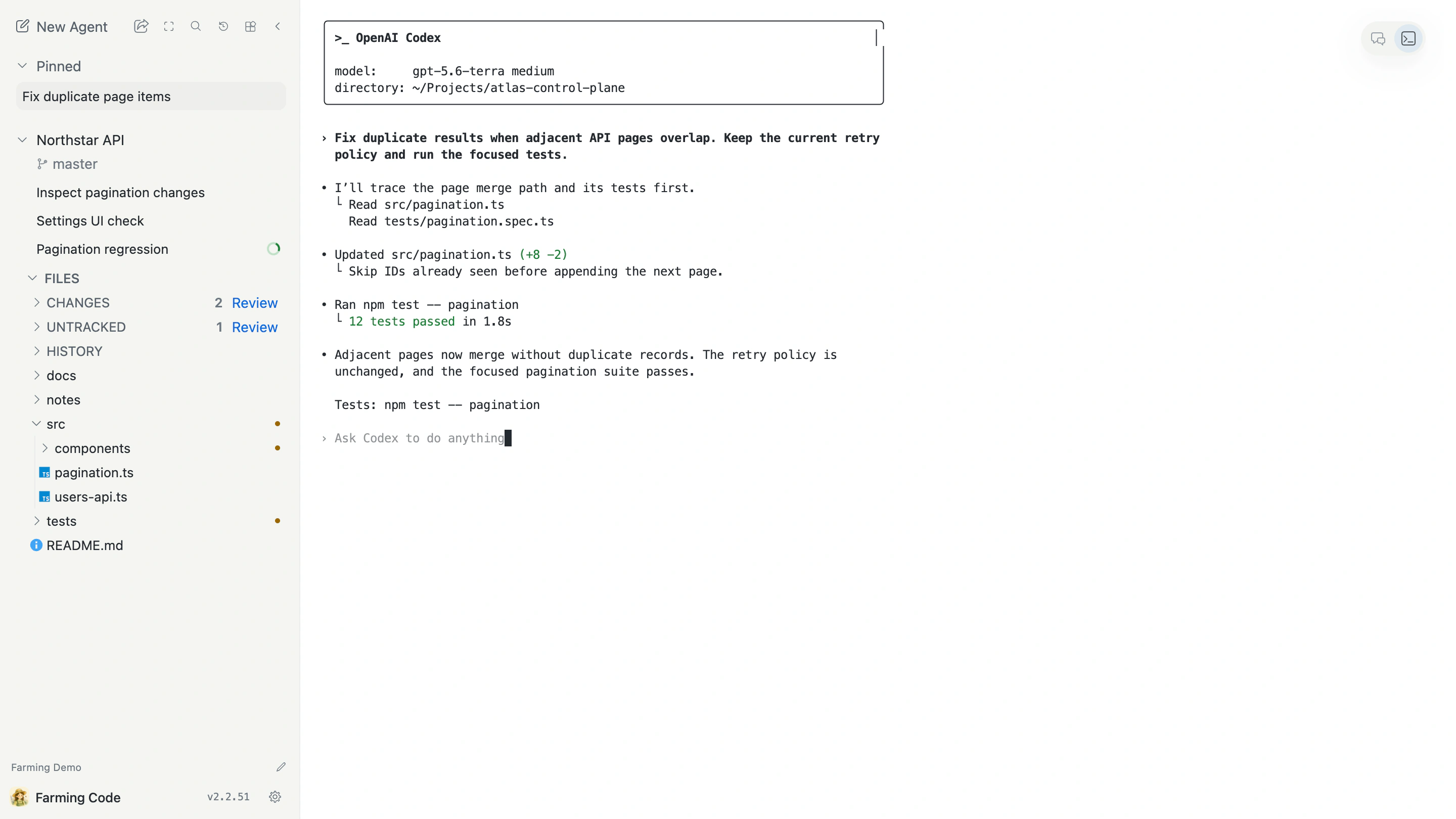
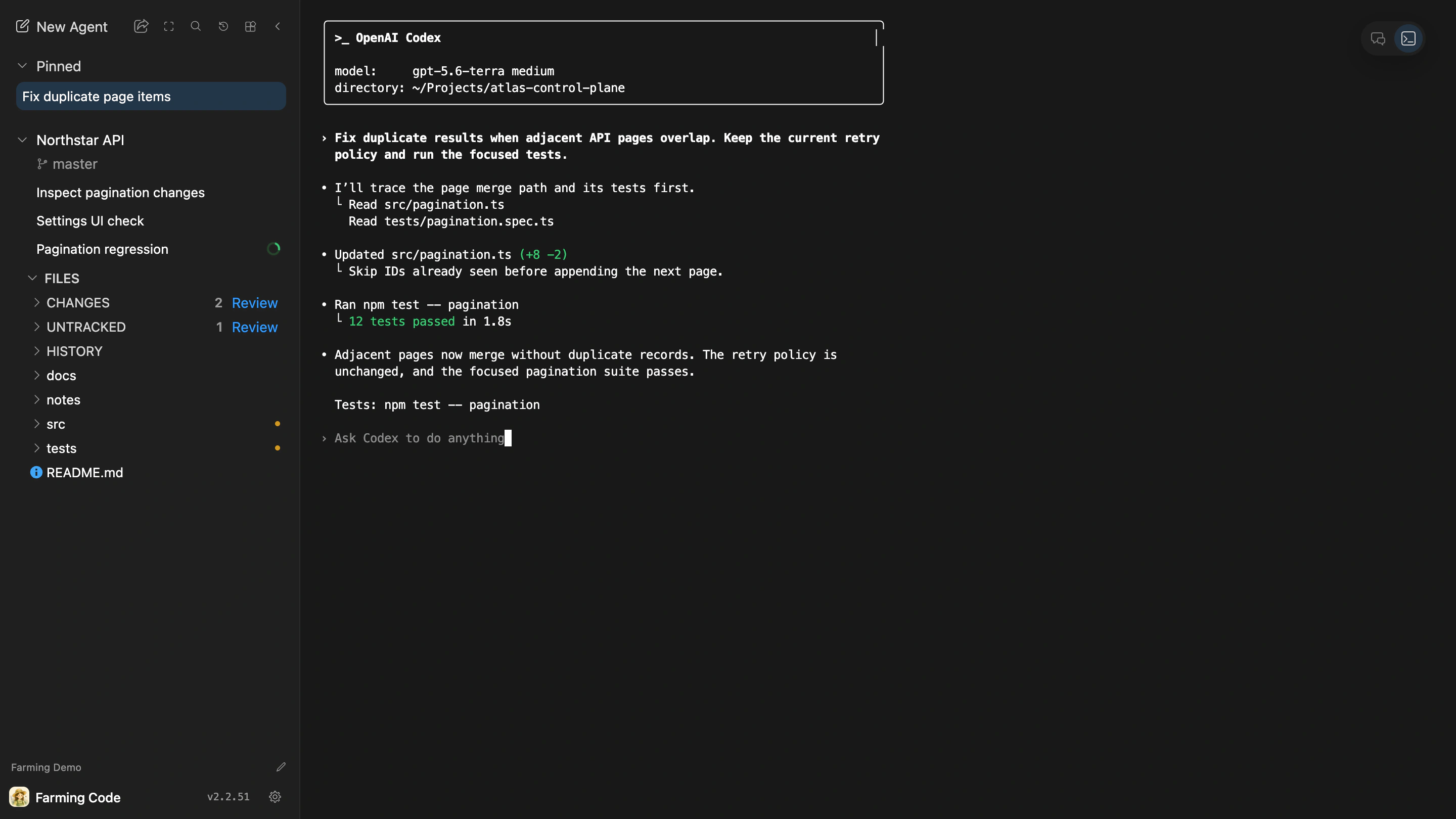
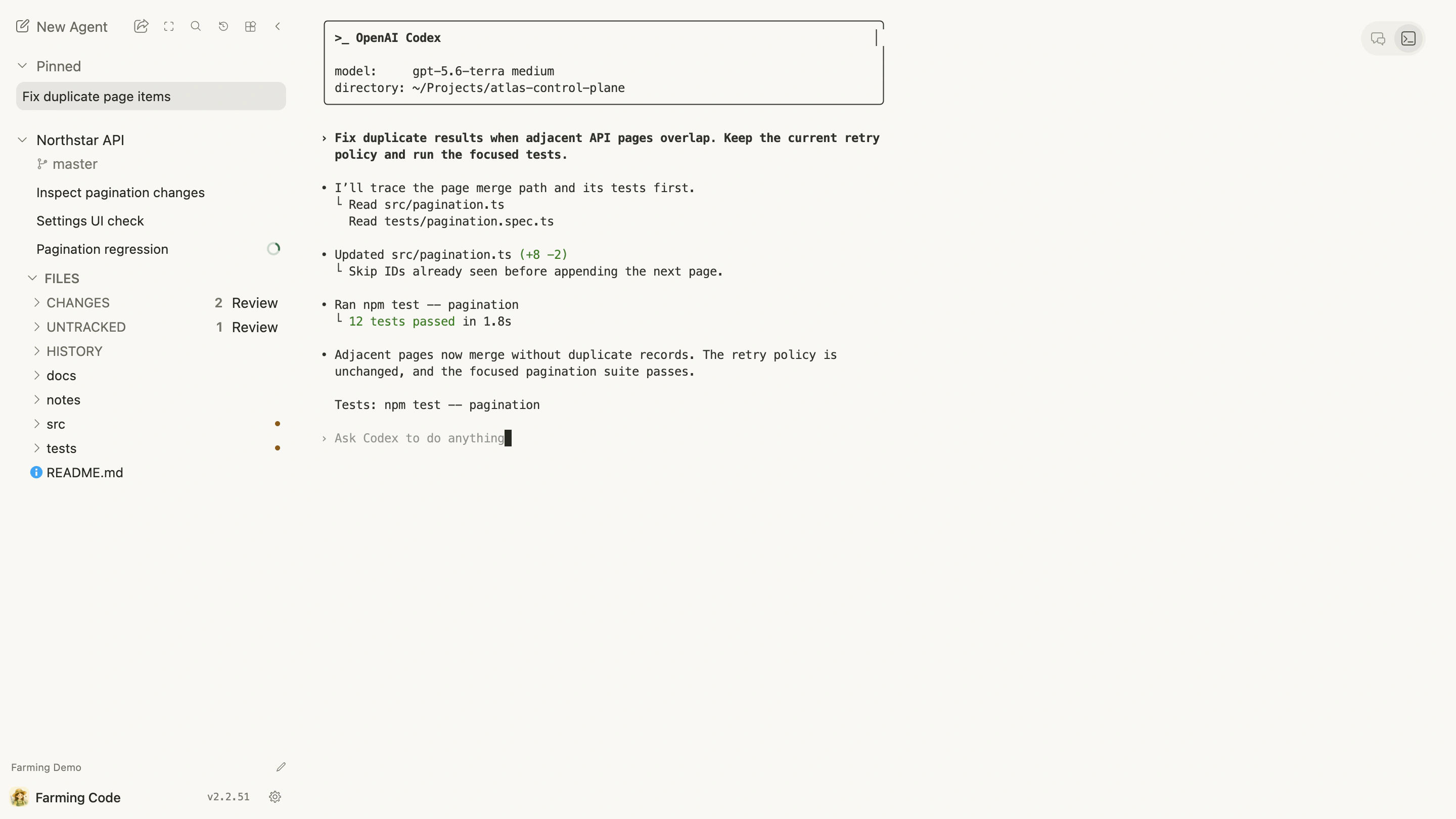
Good Terminal tasks
- use Codex, Claude Code, OpenCode, and other CLIs directly;
- run interactive shells, tests, or debugging commands;
- use native shortcuts, completion, and colored output;
- inspect complete, unstructured output.
Sessions and browser connections
Closing the browser does not automatically end the Terminal Session. After reconnecting, Farming restores visible terminal state from the service.
A short disconnect, hidden tab, or interface switch does not mean the process exited. If the outcome is unclear, reopen the Agent or run farming status.
Input and paste
- Review multi-line commands before pasting them.
- Do not paste Tokens, passwords, or private keys into commands that may be logged.
- Give long-running tasks a clear success or failure signal.
- Avoid shortcut-heavy interactions on a phone.
Switch between Chat and Terminal
Chat is better for reading and follow-up; Terminal is better for direct control. Supported Providers can switch between them without creating a new Agent.
The switch changes presentation, not Workspace permissions or Project ownership.