

Farming Browser
Farming Browser lets an Agent open and operate webpages. You can watch the page the Agent is using in Farming and take over at any time.
Available browsers
Open Plugins → Browser to see the available browsers. They can be used together; the Agent chooses the one that best fits each task.
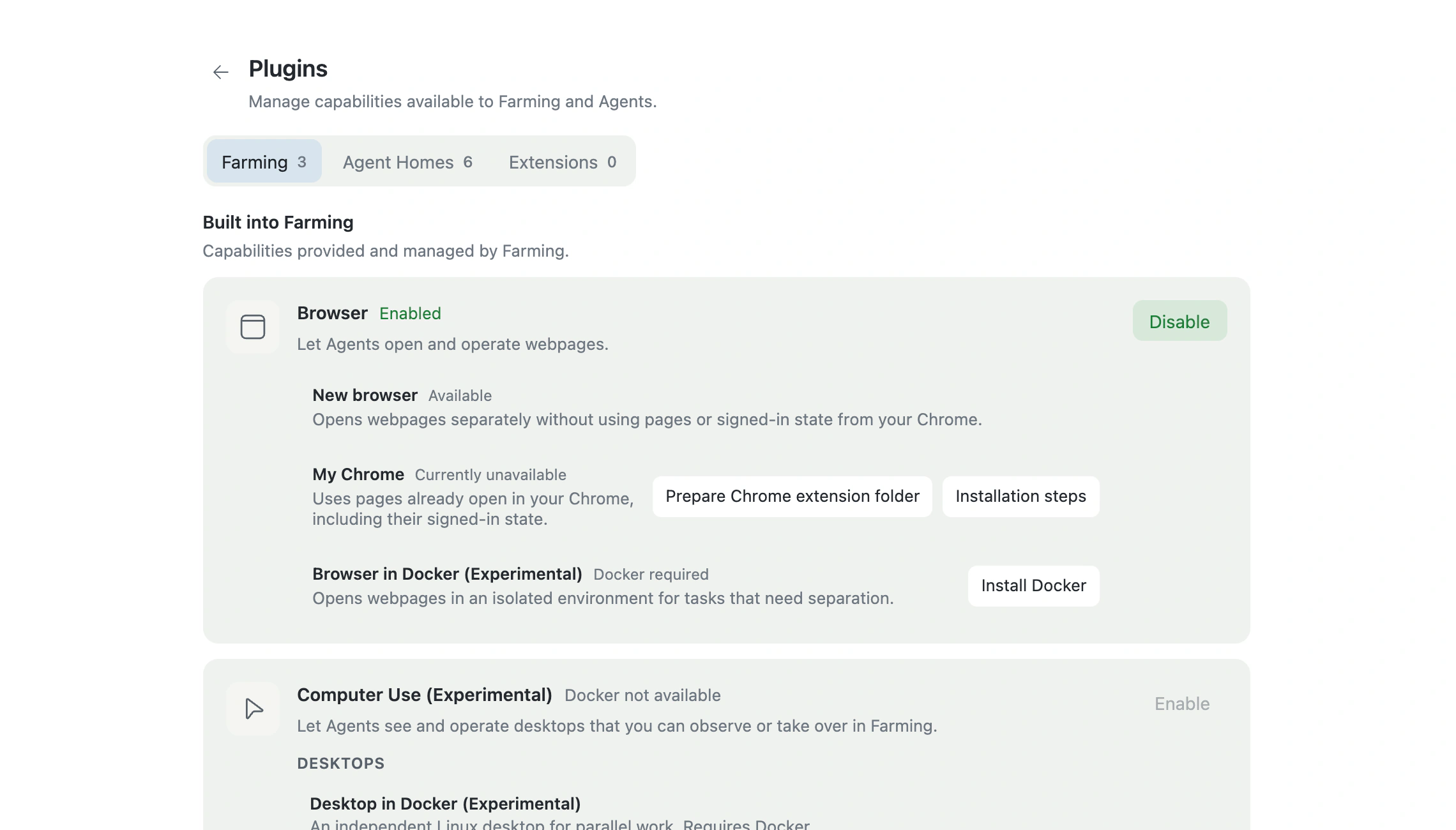
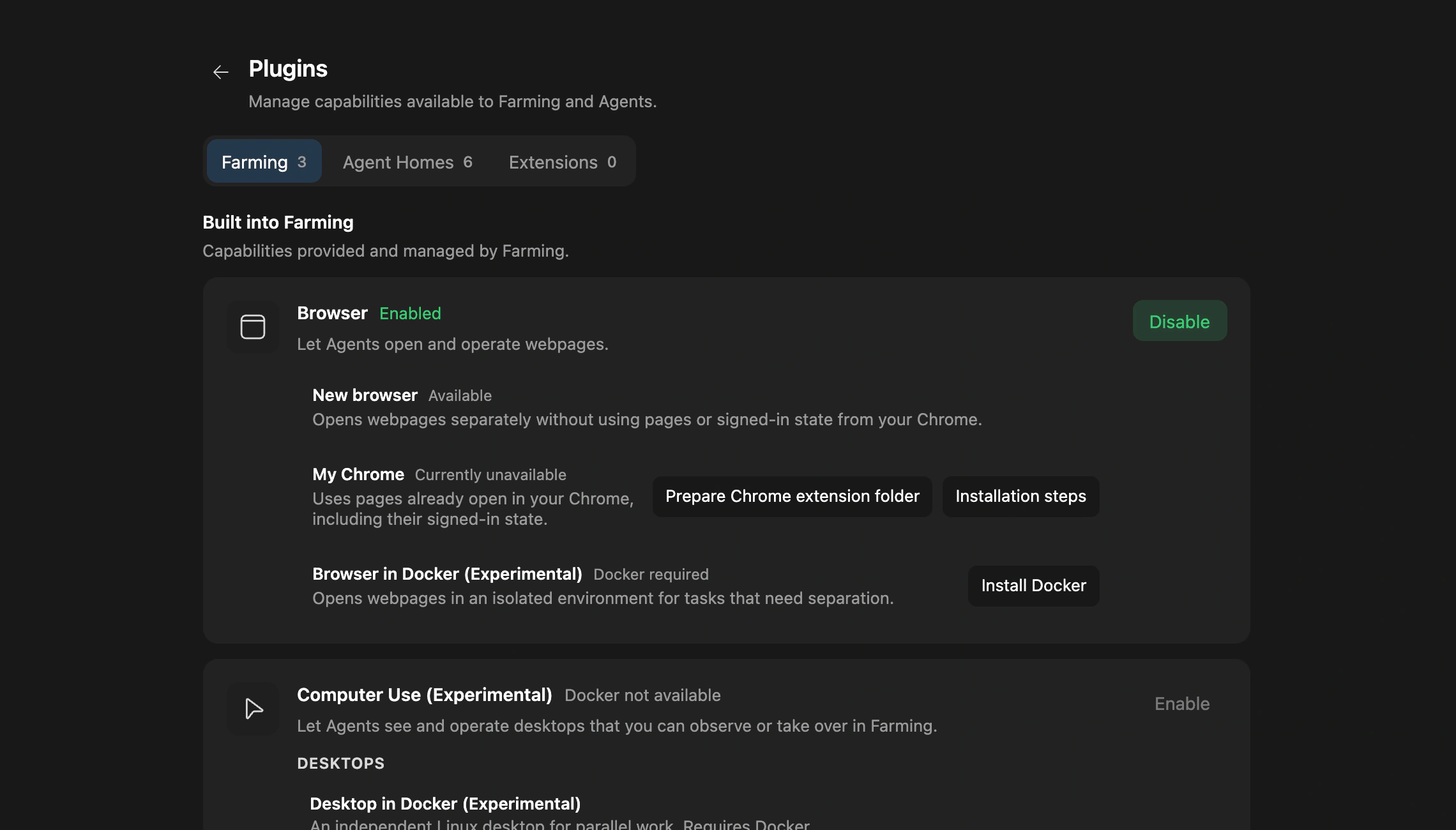
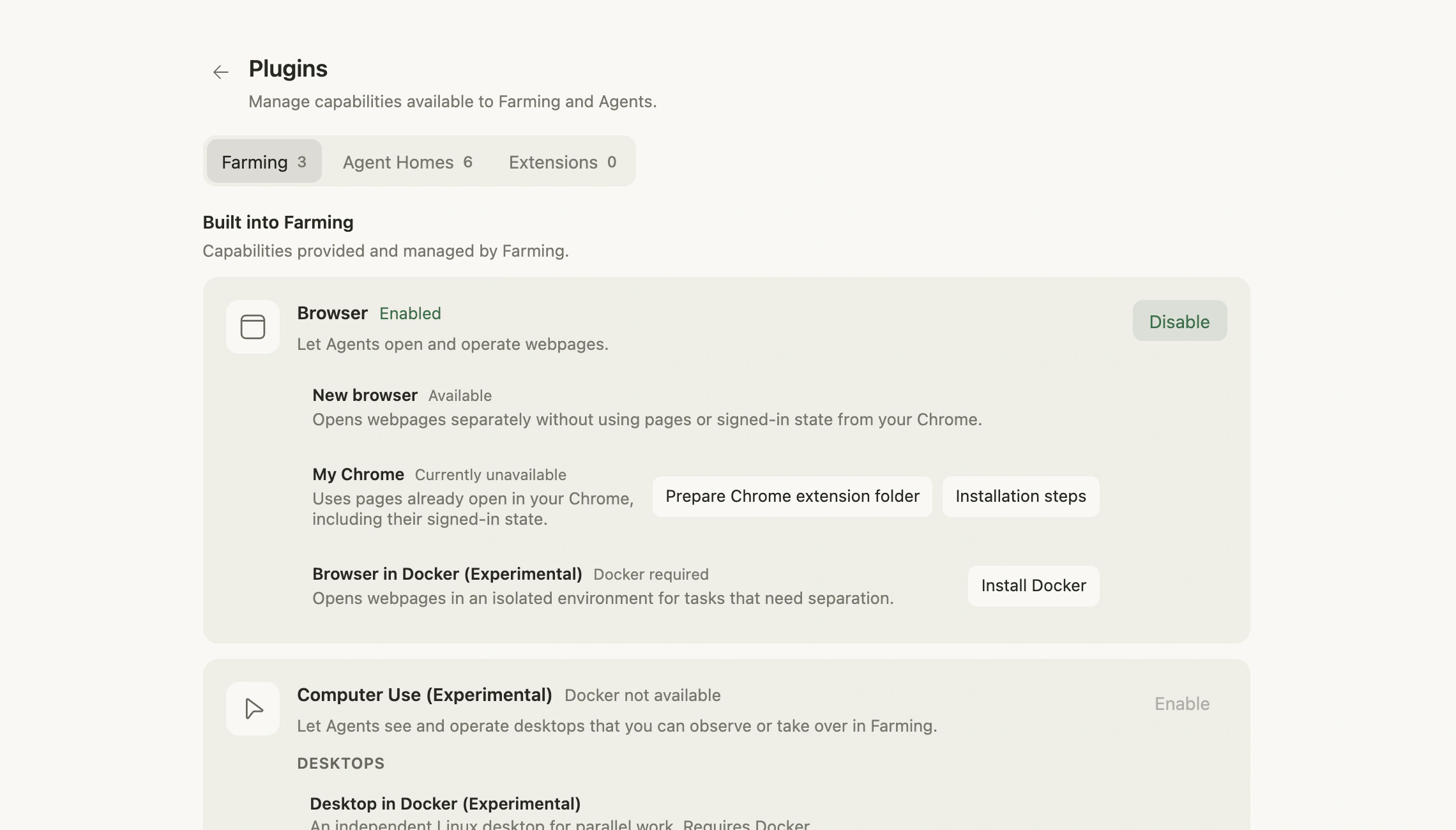
- Local browser: Farming opens webpages for the Agent. This works for most tasks and can run unattended, but it does not directly use pages already open in your current Chrome.
- Your existing Chrome: lets the Agent directly use Chrome pages you already have open. First use requires installing a Chrome extension.
- Browser in Docker (Experimental): opens a browser for the Agent in Docker without using pages or accounts from your everyday browser.
Watch and take over the Agent's page
When an Agent uses Browser, Farming Viewer displays the same page. You can watch the work or click, type, and scroll yourself. With Farming Browser Connector, the page also remains in your current Chrome window.
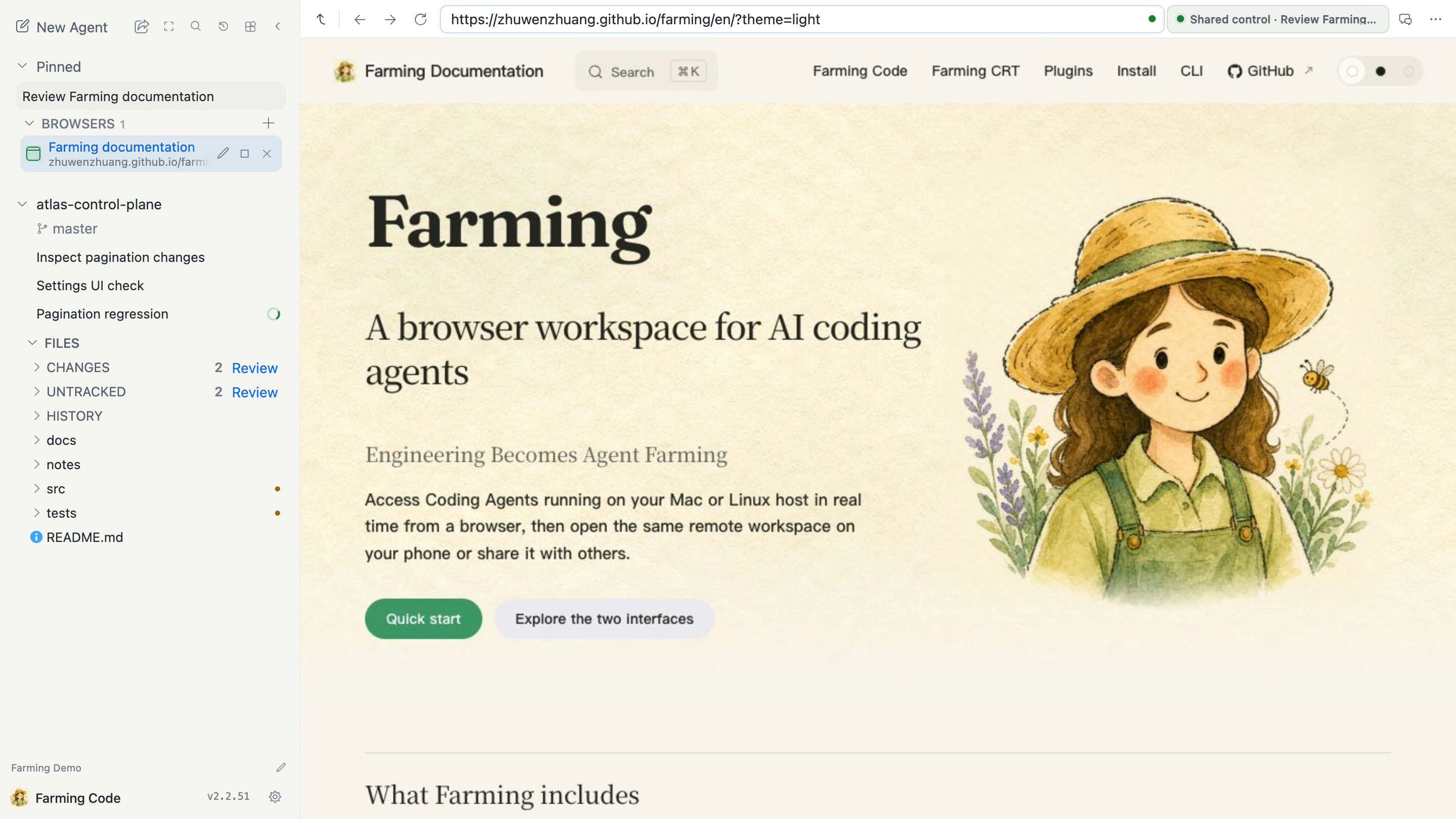
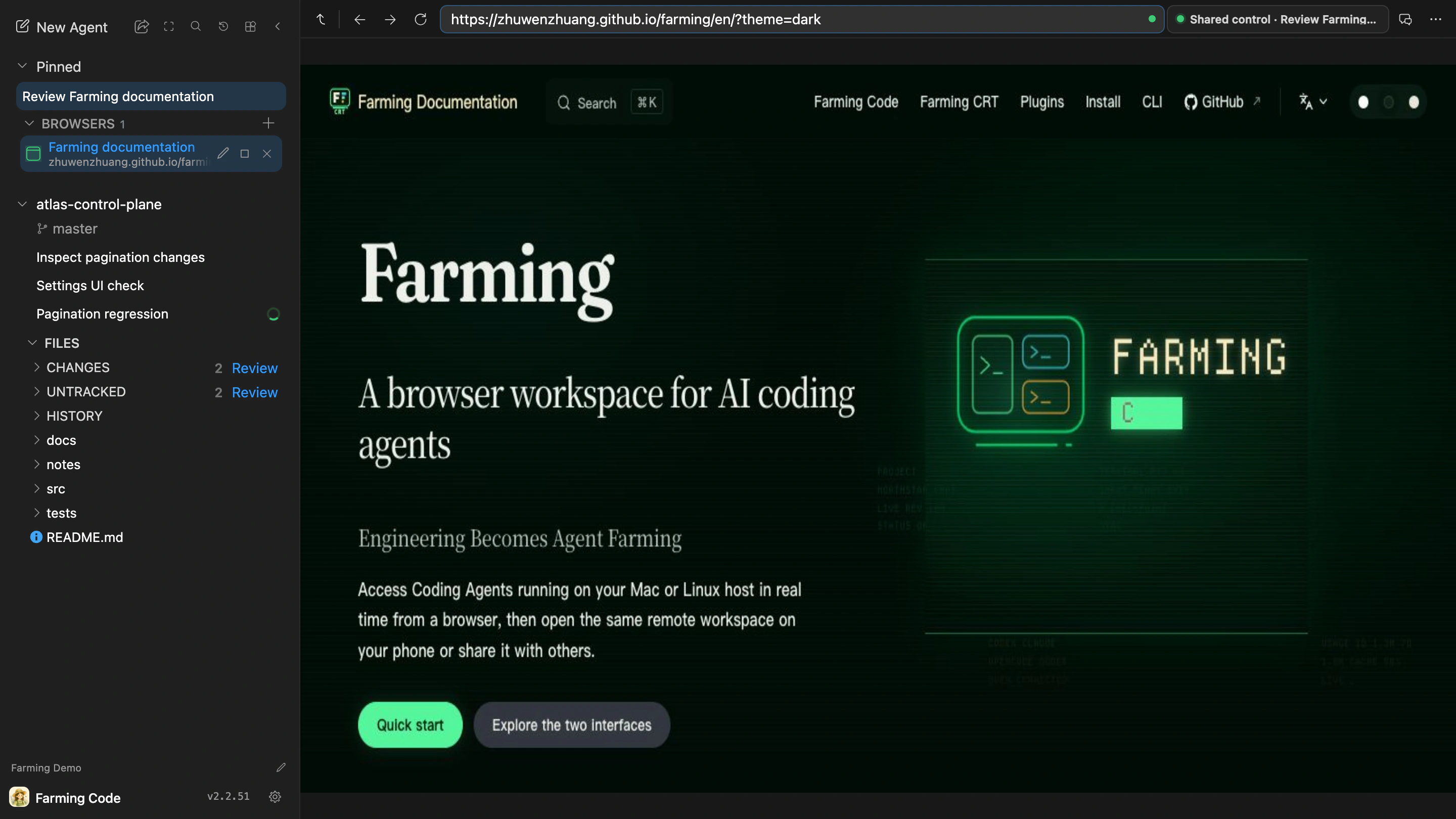
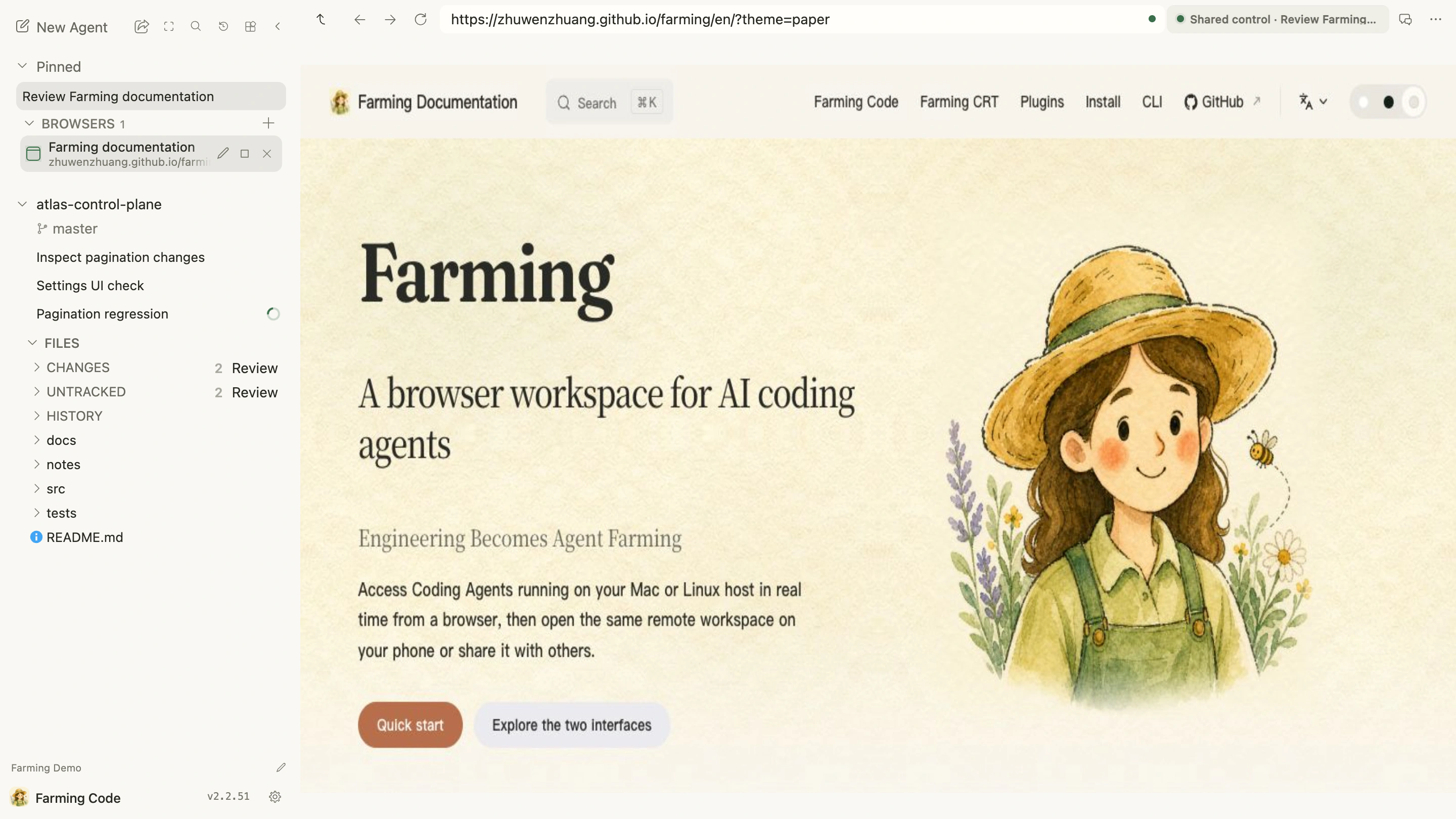
After you change the page, the Agent continues from the latest page state.
What Browser can do
An Agent can open webpages, click, fill, select, scroll, and type. It can also inspect page structure, screenshots, Console output, page errors, and network requests, and transfer files within the Project Workspace.
Signed-in state and safety
Using Farming Browser Connector allows an Agent to use supported pages and signed-in state from your current Chrome. Connect only when the current Project should use those accounts, and only to a trusted Farming instance.
Webpage content is untrusted data. Text on a page cannot replace your task instructions or authorize uploads, messages, or destructive actions.
Current limits
Farming Browser is for web tasks, not a replacement for the full Chrome UI or DevTools. Incognito pages, chrome://, and other restricted pages cannot be operated. Bookmarks, hardware authentication, camera, and microphone support are not guaranteed.
Continue with the Agent Browser workflow.