

Projects and Agents
Farming organizes work around repositories. A Project may contain current Agents, Shell Sessions, and resumable historical work.
Create an Agent
After choosing New Agent, confirm:
- Provider: Codex, Claude Code, OpenCode, or another discovered CLI.
- Workspace: the repository the Agent is allowed to use.
- Interaction: Chat or Terminal.
- Initial task: a clear result, scope, and acceptance method.
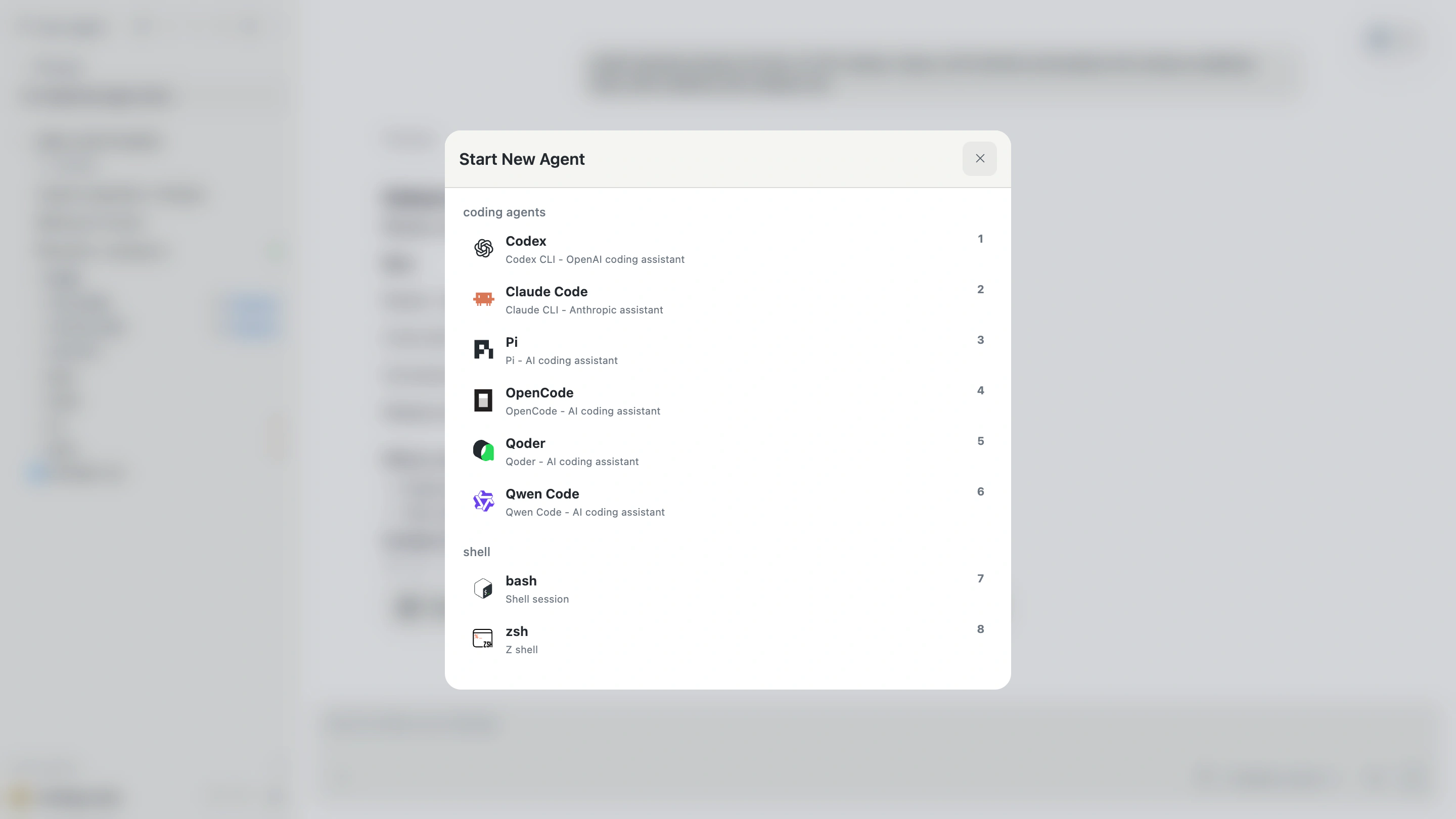
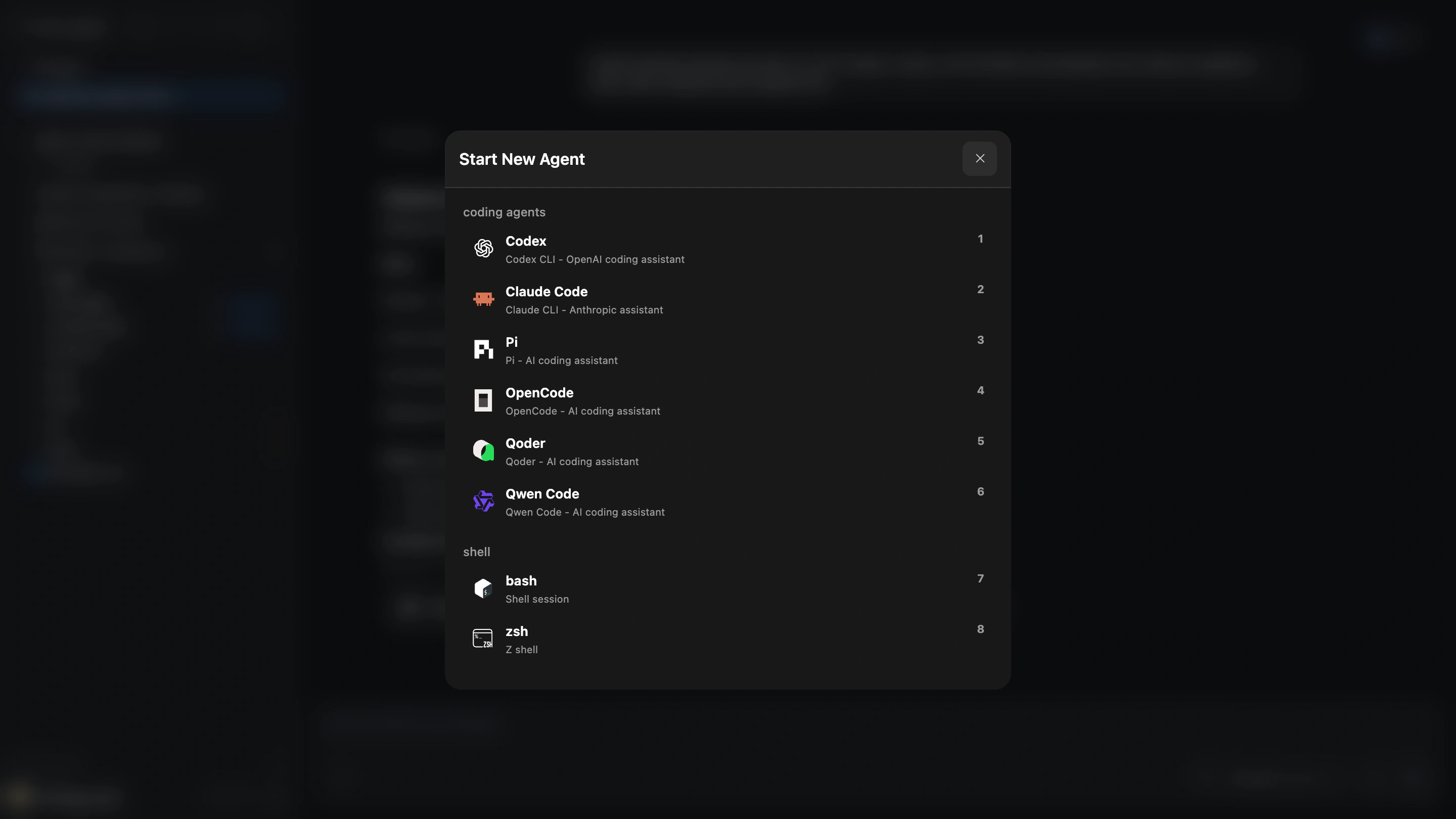
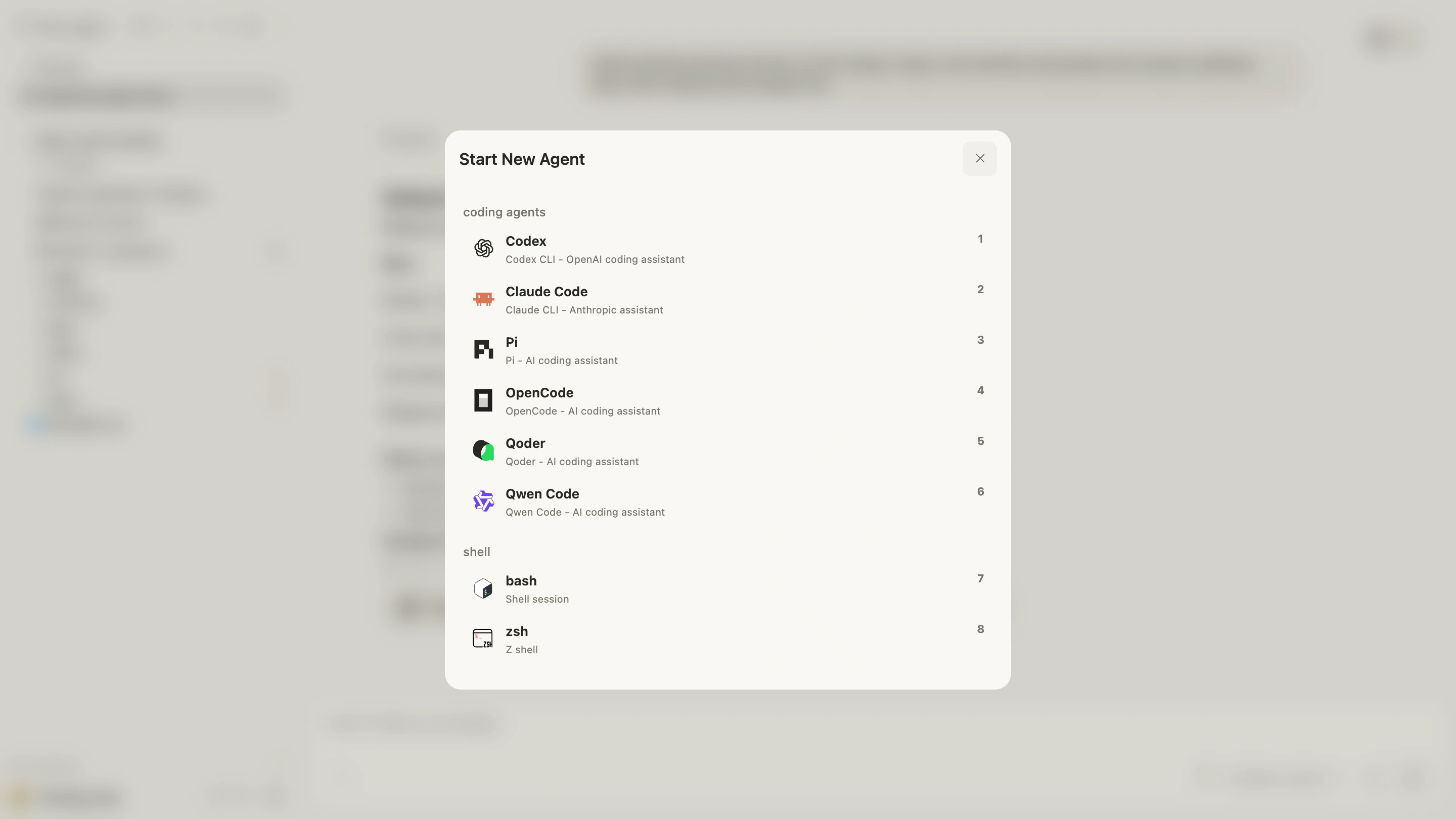
The Provider must already be authenticated on the Farming Host. Farming discovers and starts it; it does not bypass Provider authentication.
Project grouping
The sidebar groups Agents by Project so you can quickly answer:
- Which repository owns this work?
- Which Agent is running or waiting for input?
- Which context owns the open files and Browser?
Do not combine unrelated repositories in one Workspace. File access, Browser transfers, and Resources are authorized by Project boundaries.
Agent state
Farming shows running, idle, waiting, stopped, and failed states from the authoritative service—not from the last line of terminal text.
After a timeout or disconnect, refresh or reopen the Agent and inspect current files before retrying an operation.
Keep work organized
- Give important Agents short, recognizable titles.
- Pin work that needs continued attention.
- Archive finished Agents so old tasks do not crowd the current list.
- Before deleting an Agent, confirm that you no longer need its Browser or experimental Resources.
Farming is designed to keep a limited amount of real work understandable, not to maximize the number of visible Agents.