

Chat
Chat arranges coding Agent messages, progress, and tool activity into a readable timeline. Use it to follow work, inspect evidence, and continue the conversation without losing context.
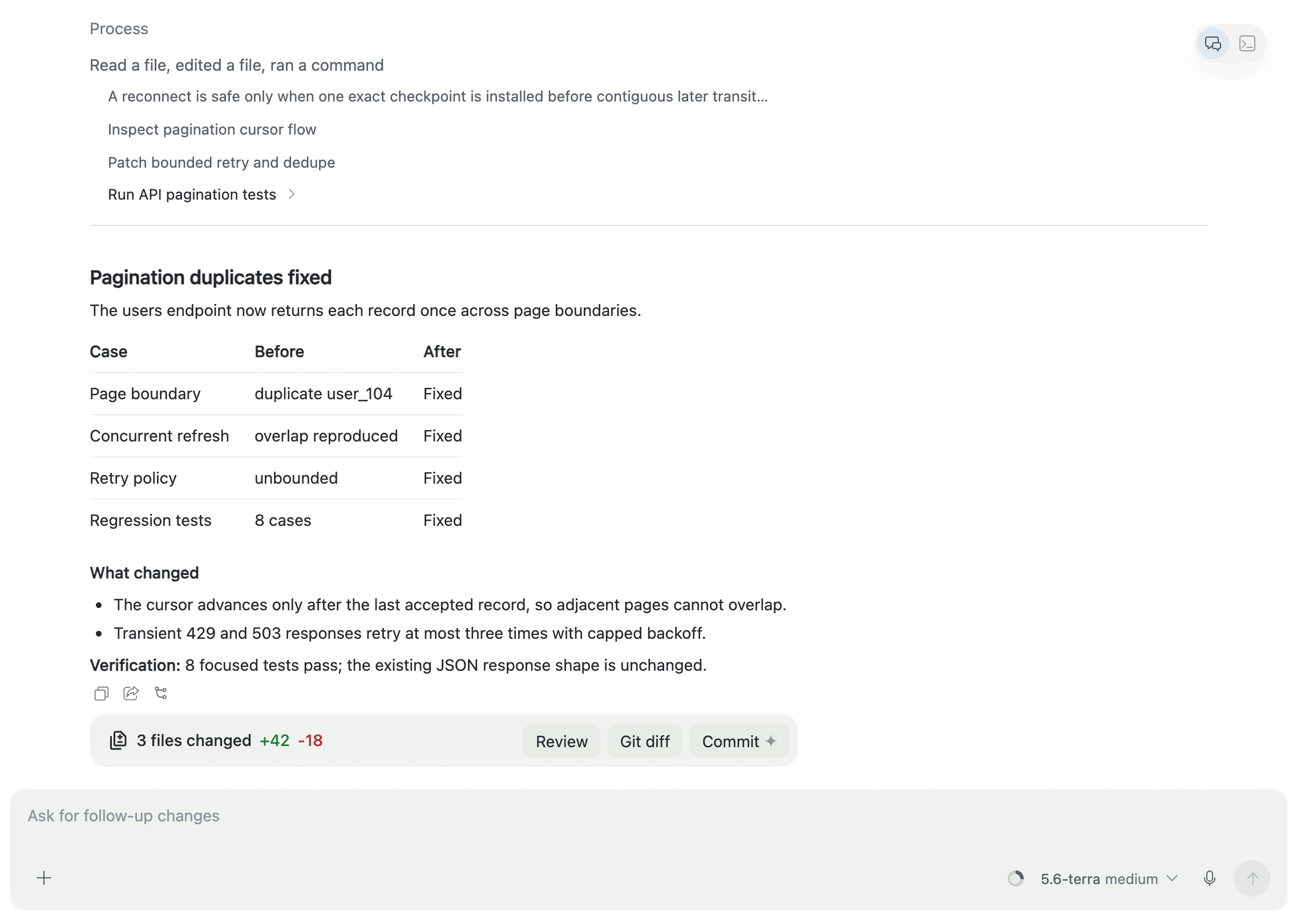
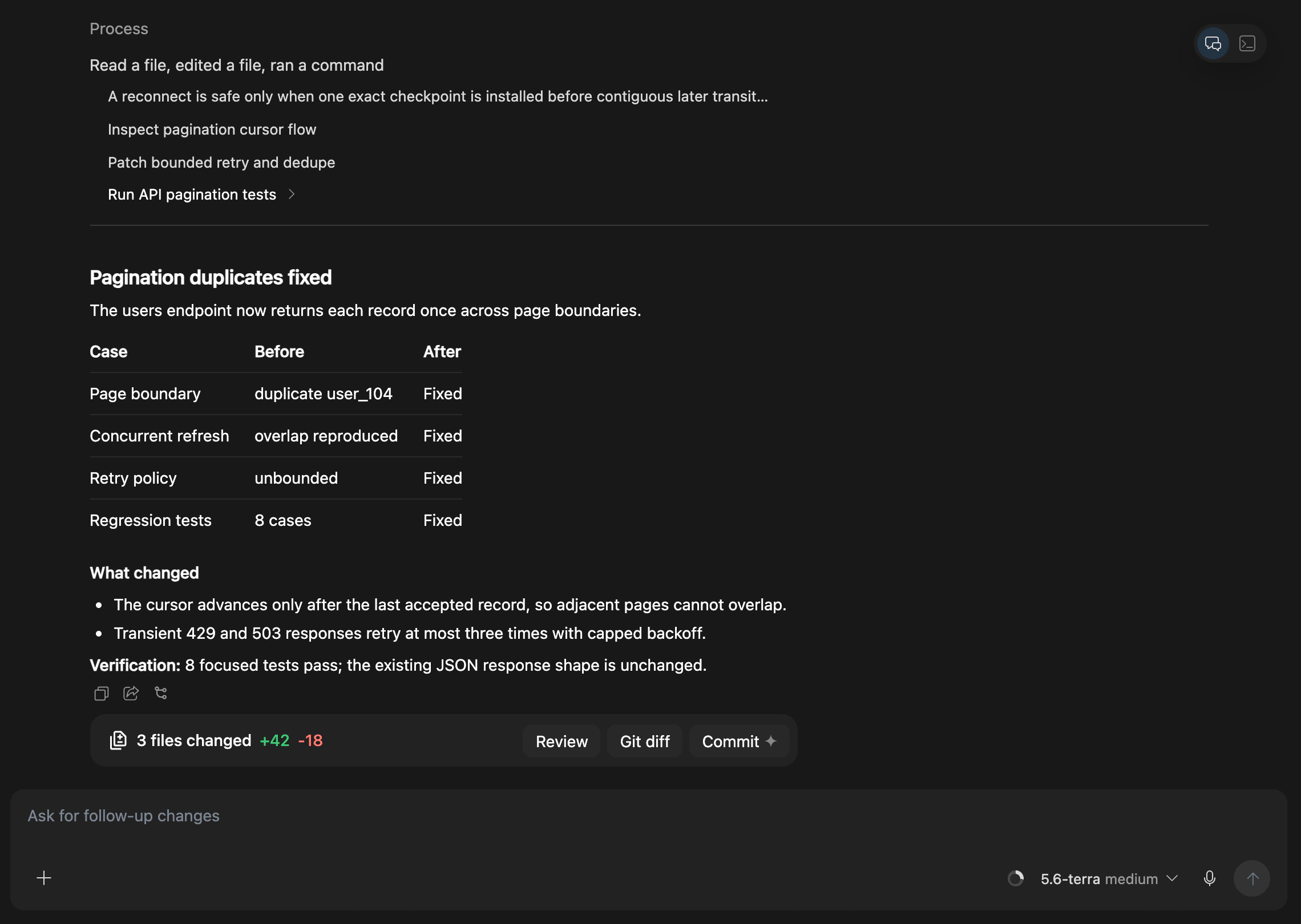
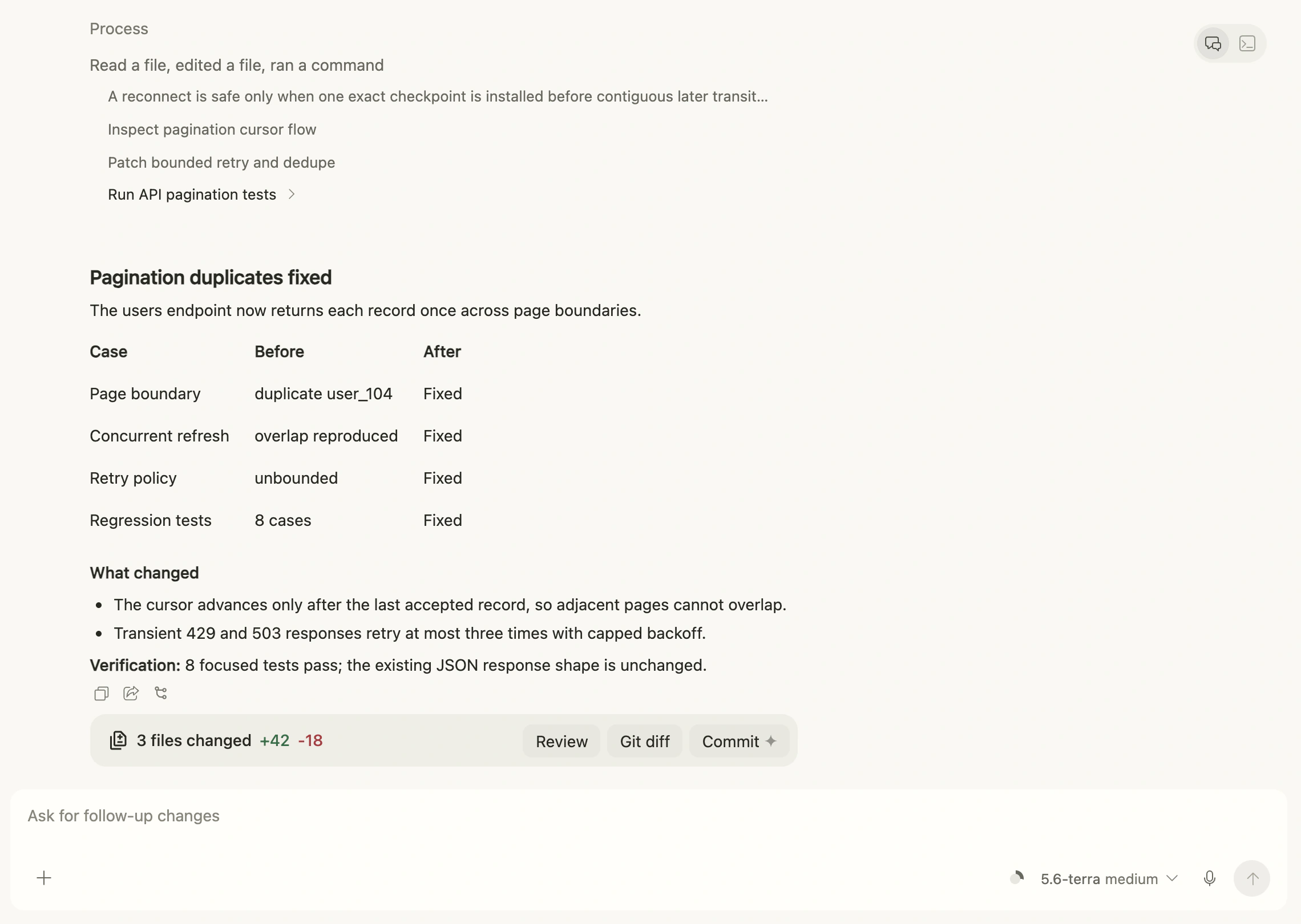
Read Agent progress
A Turn commonly contains your task, the Agent's plan or progress, file and command activity, and a final result with verification and remaining risk.
Progress can be collapsed. Read the result and verification first; expand detailed activity when you need an audit trail.
Write a clear task
A useful first message usually states:
- the desired result;
- the allowed scope;
- behavior that must remain unchanged;
- required verification;
- conditions that require the Agent to stop and ask.
Follow-ups should name a concrete gap, such as “add the cancellation test,” instead of only saying “keep improving.”
Models and permissions
Providers expose different models, reasoning levels, service tiers, and permission controls. Farming shows only options supported by the current Provider and Session.
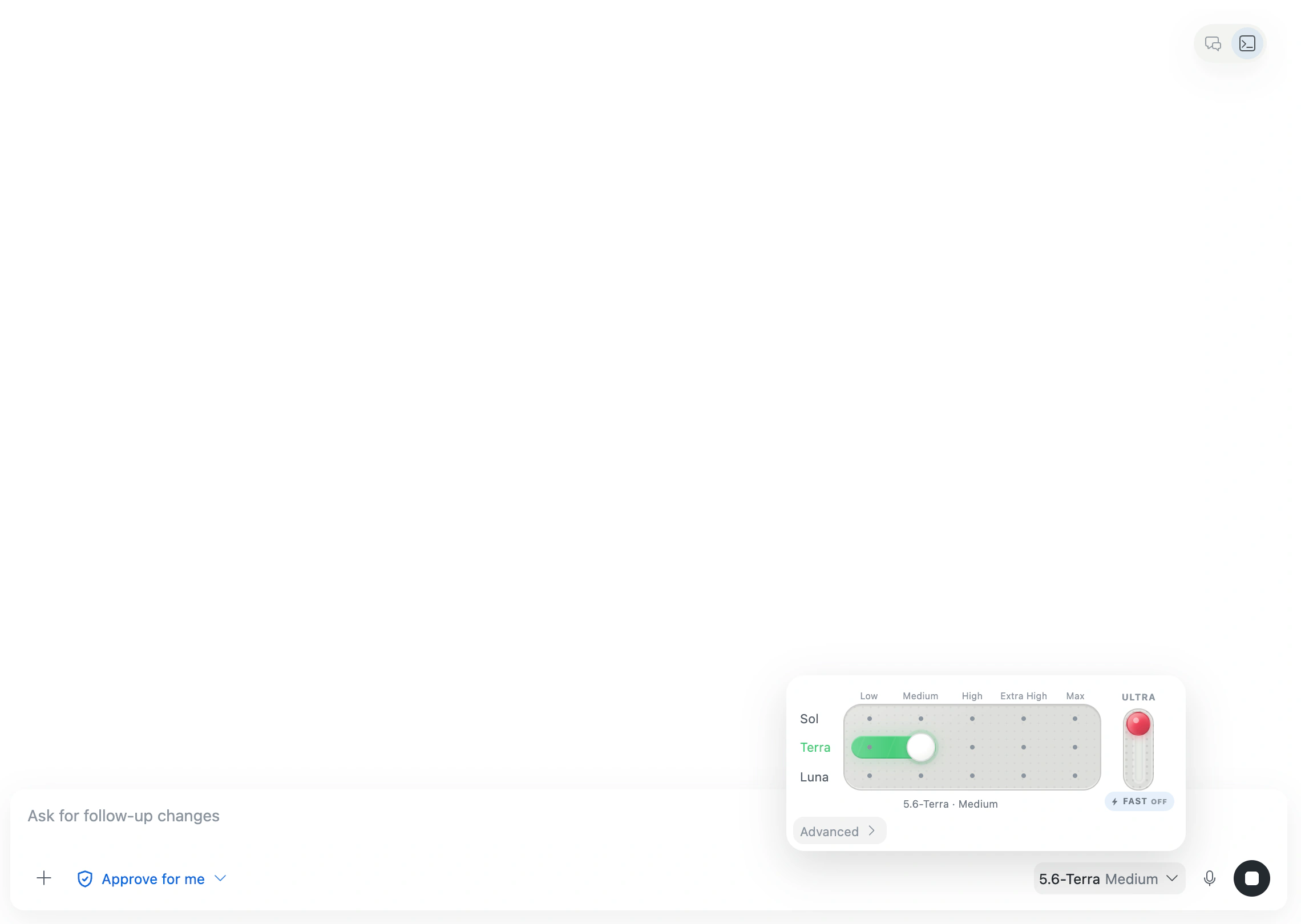
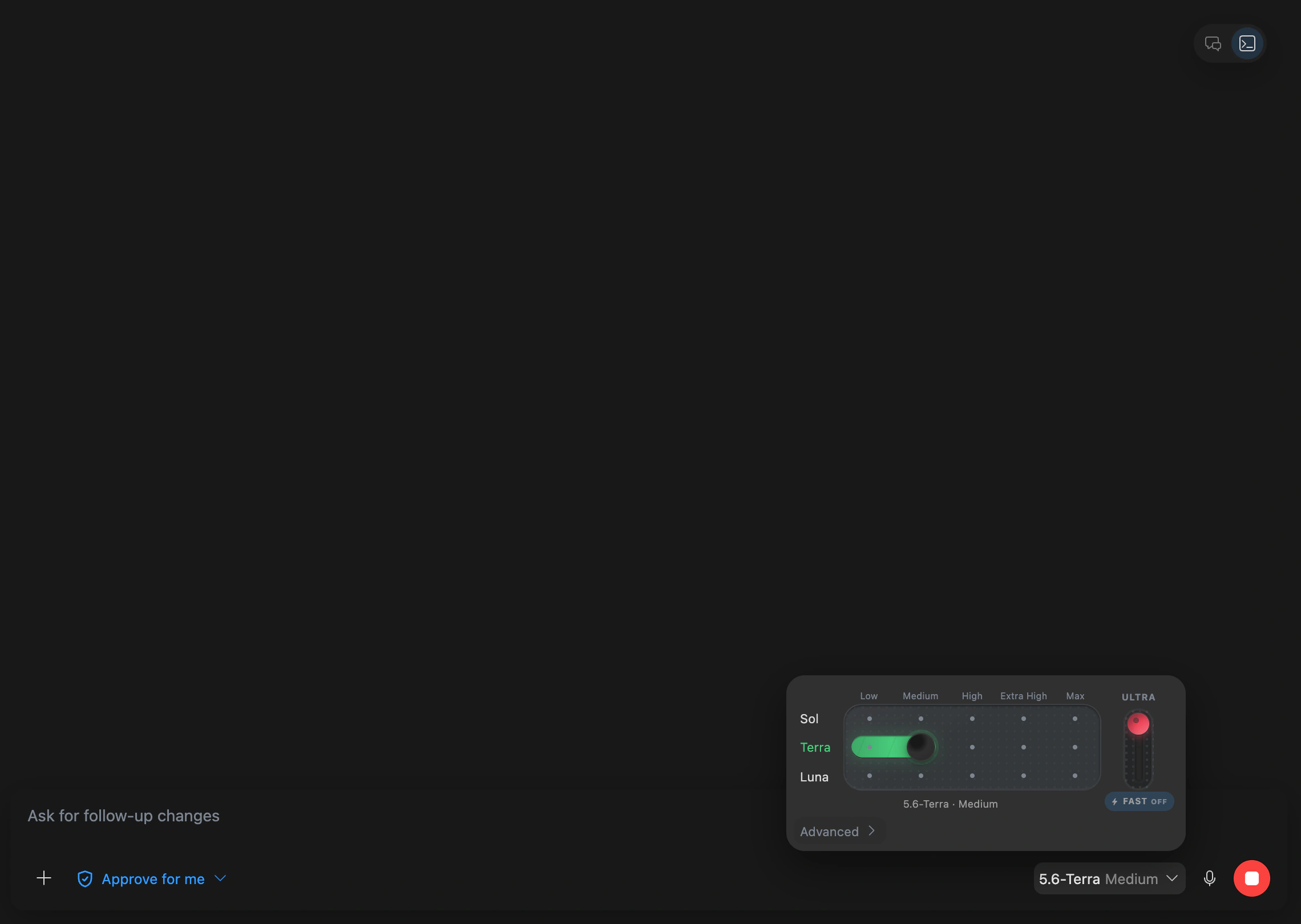
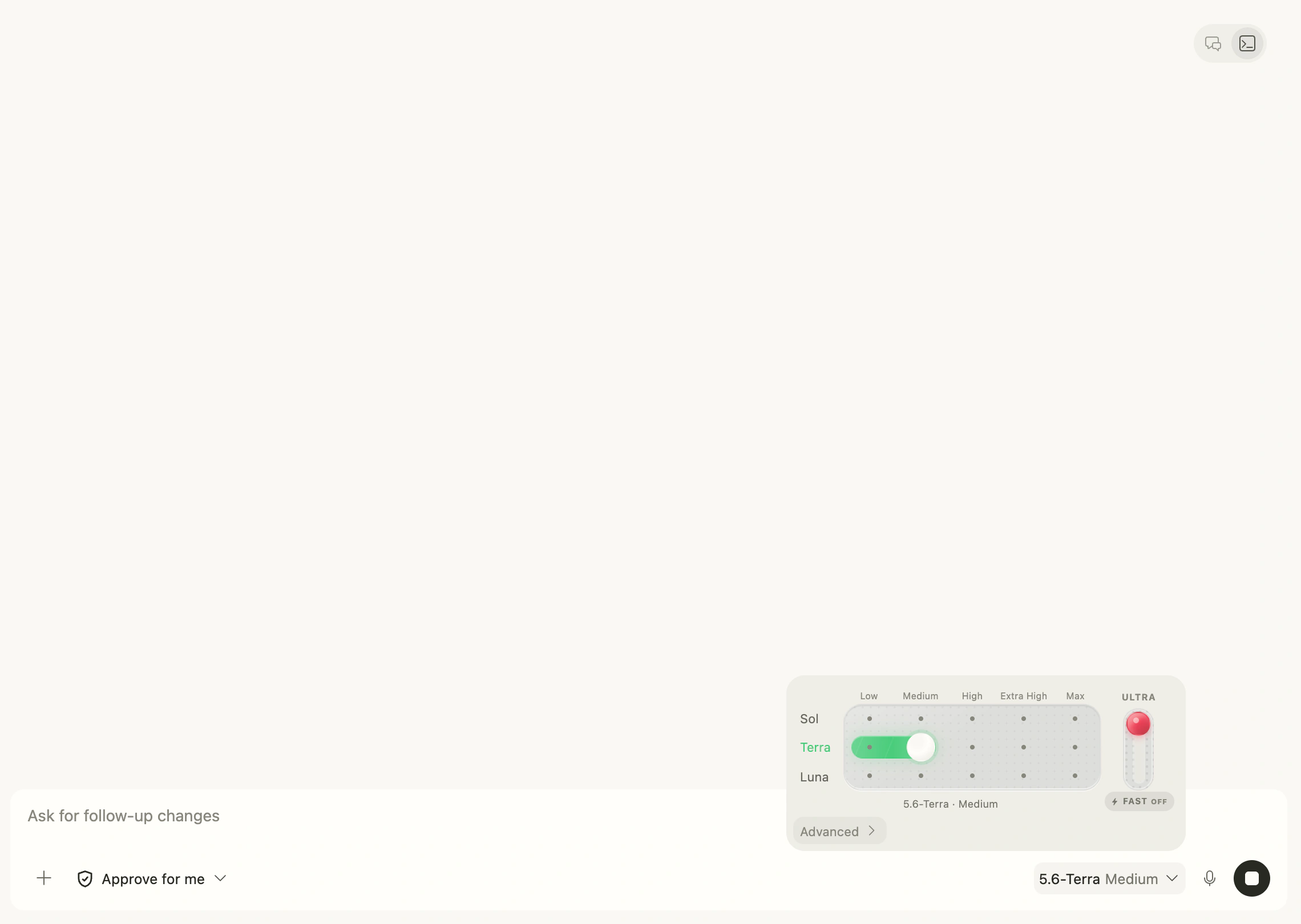
Broader permissions reduce confirmation steps but increase possible impact. Use the minimum permissions that can complete the task, especially in unfamiliar repositories.
Interrupt and follow up
If the direction is clearly wrong, stop the current Turn and send a more precise request. A network timeout does not prove that an operation failed; inspect files, Git state, and the current result before resending anything that could duplicate changes.
Share one answer
The action row of a completed answer includes copy and share buttons. Share copies a temporary read-only link and positions the recipient at that exact answer. See Sharing and read-only access for permissions, expiry, and fallback behavior.
Switch to Terminal
Switch to Terminal when you need native CLI interaction or complete PTY output. Supported Providers keep the same Agent identity and Workspace.
Related conversations
Side Chat accepts your follow-up messages independently of the parent. Closing the browser does not cancel accepted work. Idle runtimes may be released; history stays available and a new message resumes the same conversation. Provider-created children are controlled by the parent Agent; their available actions may differ.
The sidebar owns the full child list and uses the same status indicators as the parent Agent. Running and attention states stay visible. Finished children are grouped behind a counted disclosure; expand it to inspect earlier work. An open child stays in place when it finishes. Use Quote in parent chat to bring a result into the parent's draft without sending it automatically. Native history supports older/newer pages and returning to the latest output.
Chat shows only chronological Agent activity from each turn, with expandable evidence and links to child details. It does not duplicate the full list, child hierarchy or finished group. Older activity stays in its original turn and is not repeated in later conversations.