

Settings
Settings manages appearance, Agent behavior, search, Farming Pet, and updates. Options appear only when supported by the current installation and runtime.
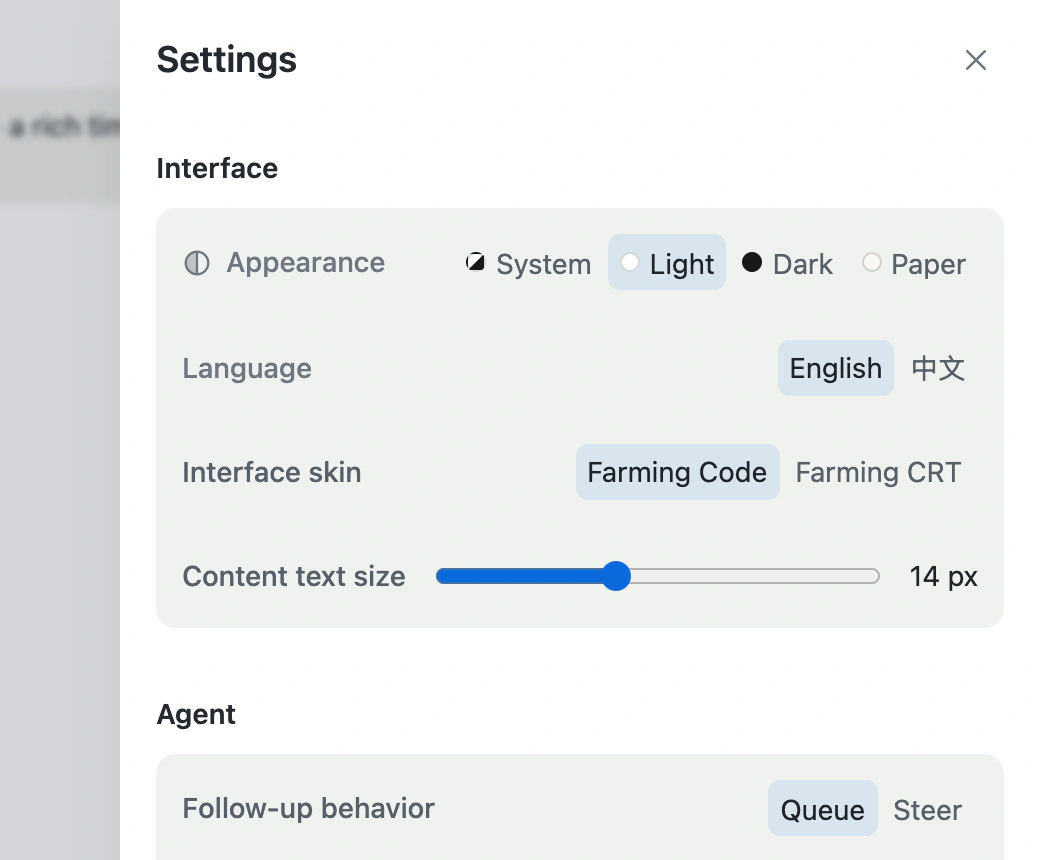
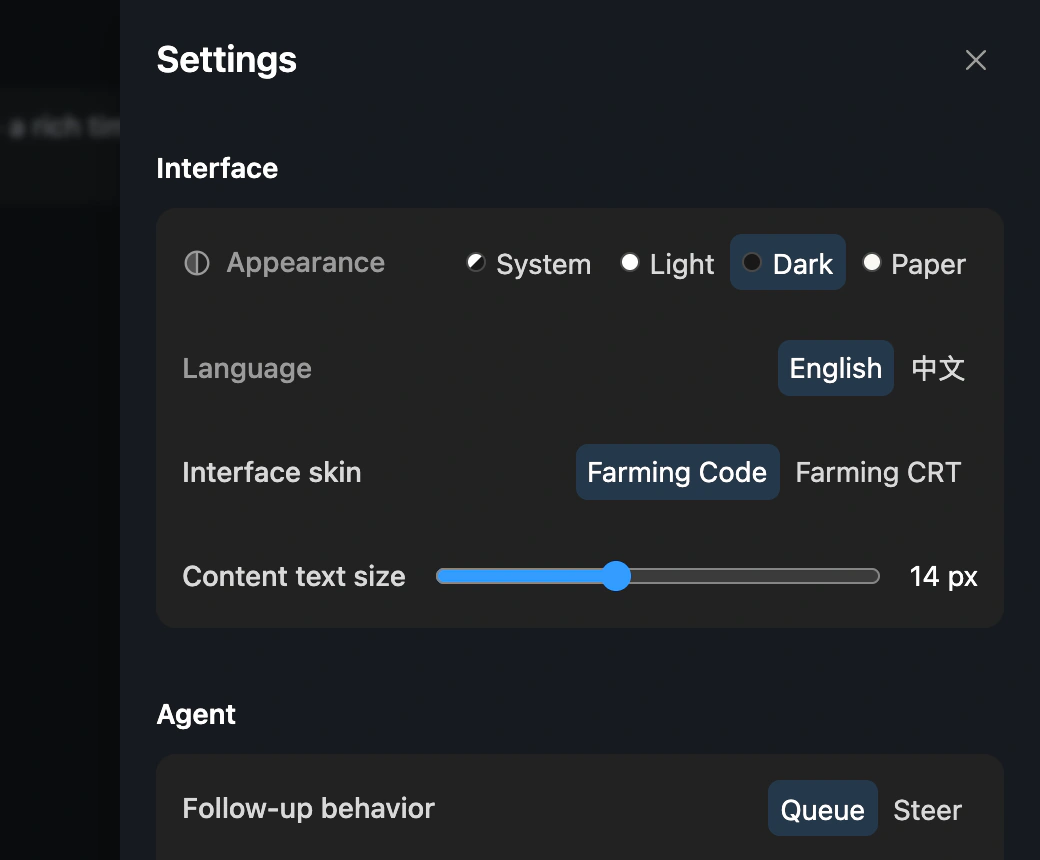
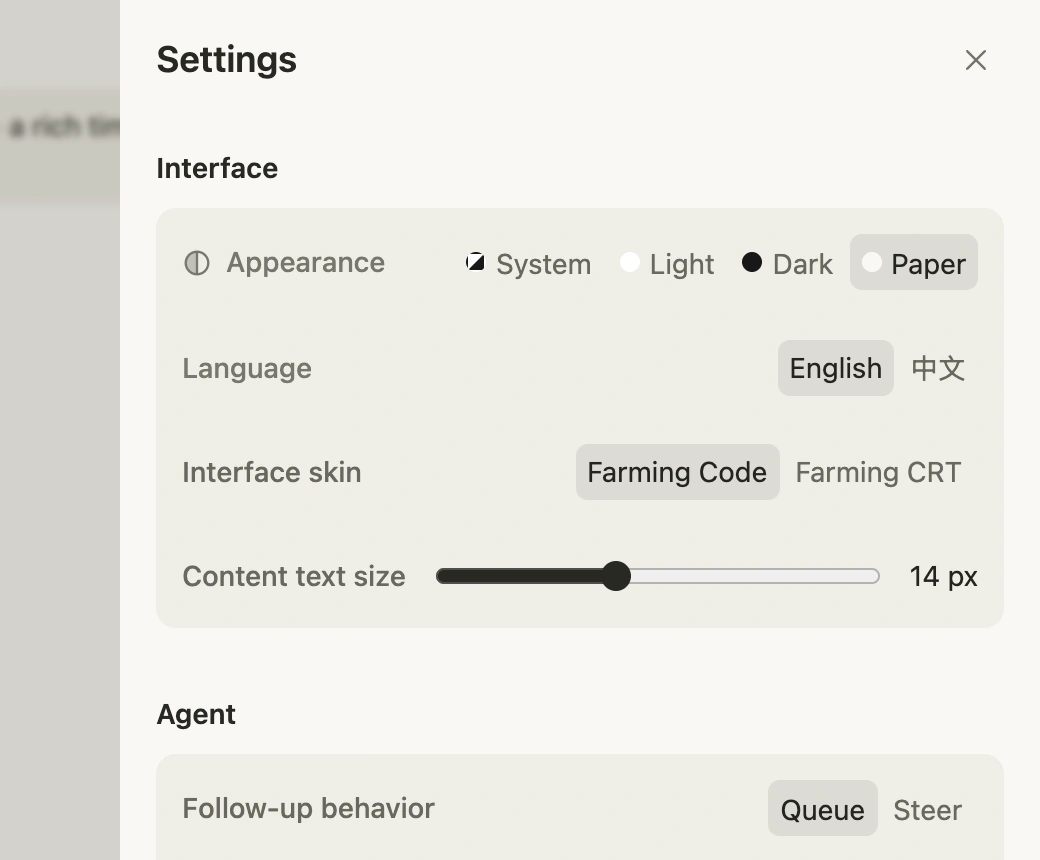
Documentation screenshots use the English product interface so automated captures remain stable. You can switch the product UI language at the top of Settings.
Appearance and language
Choose system, Light, Dark, or Paper appearance and switch the product interface between Chinese and English. Paper uses one warm canvas and neutral surface fills, relying on whitespace instead of unnecessary borders and shadows; accents are reserved for actions, links, and a few statuses. System follows Light or Dark only, while Paper always requires an explicit selection.
Interface
Interface skin switches between Farming Code and Farming CRT. Both connect to the same backend Sessions and do not stop Agents during a switch.
Content font size changes primary reading content in Chat, Terminal, Markdown, and the file editor without scaling navigation and status controls equally. Code and CRT store separate content-size preferences.
Agent
Follow-up behavior decides whether a message sent while an Agent is working waits in a queue or immediately redirects the current work.
Completion notifications request browser permission only after explicit opt-in. Reloading or reconnecting does not replay old completion events.
Skip permissions by default relaxes default confirmation for new Agents. Use it only for trusted Workspaces and tasks; Providers may still enforce their own permission model.
Search
Search timeout limits how long a search waits. In large repositories, narrow paths and queries before increasing the timeout.
Farming Pet
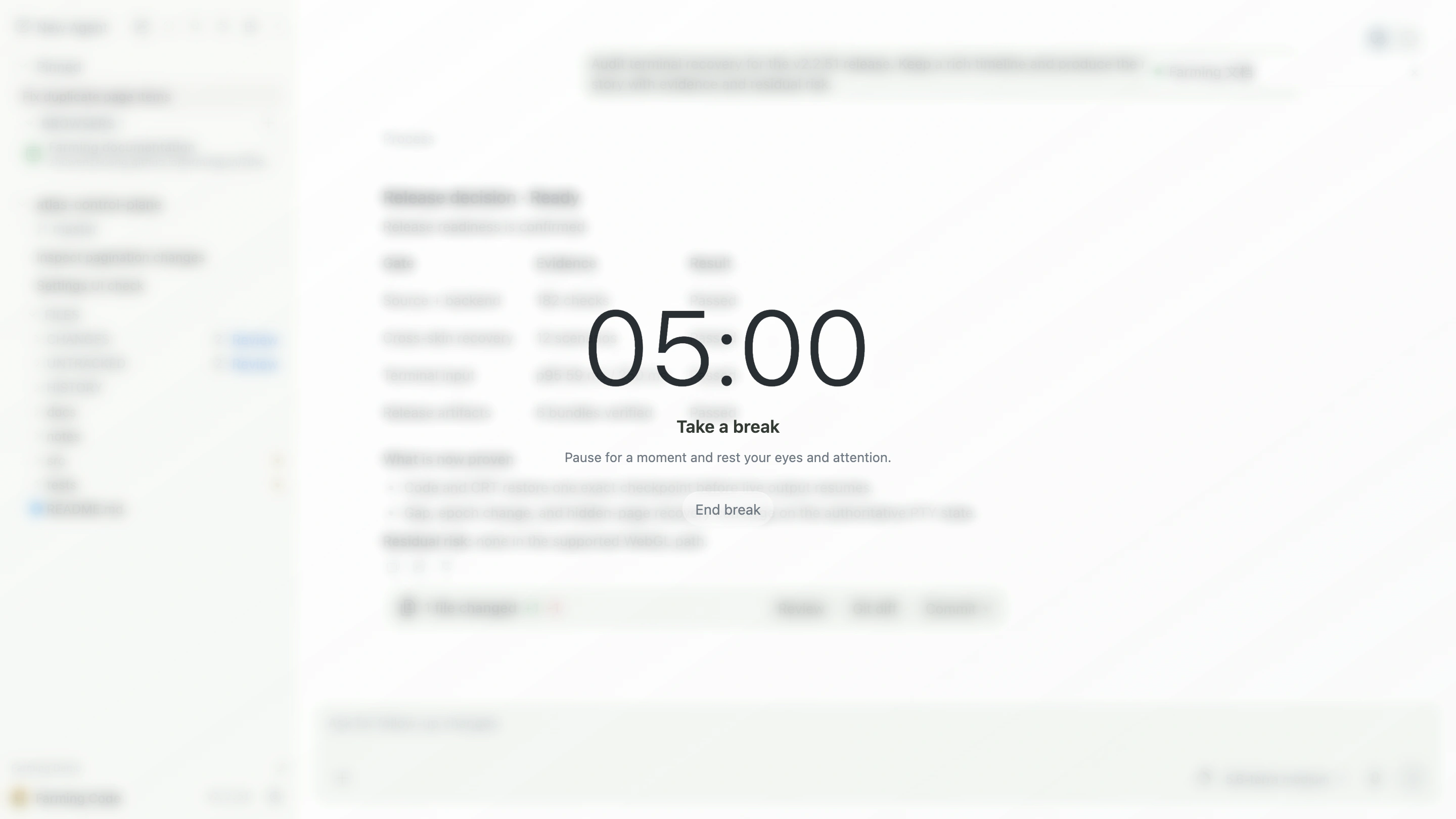
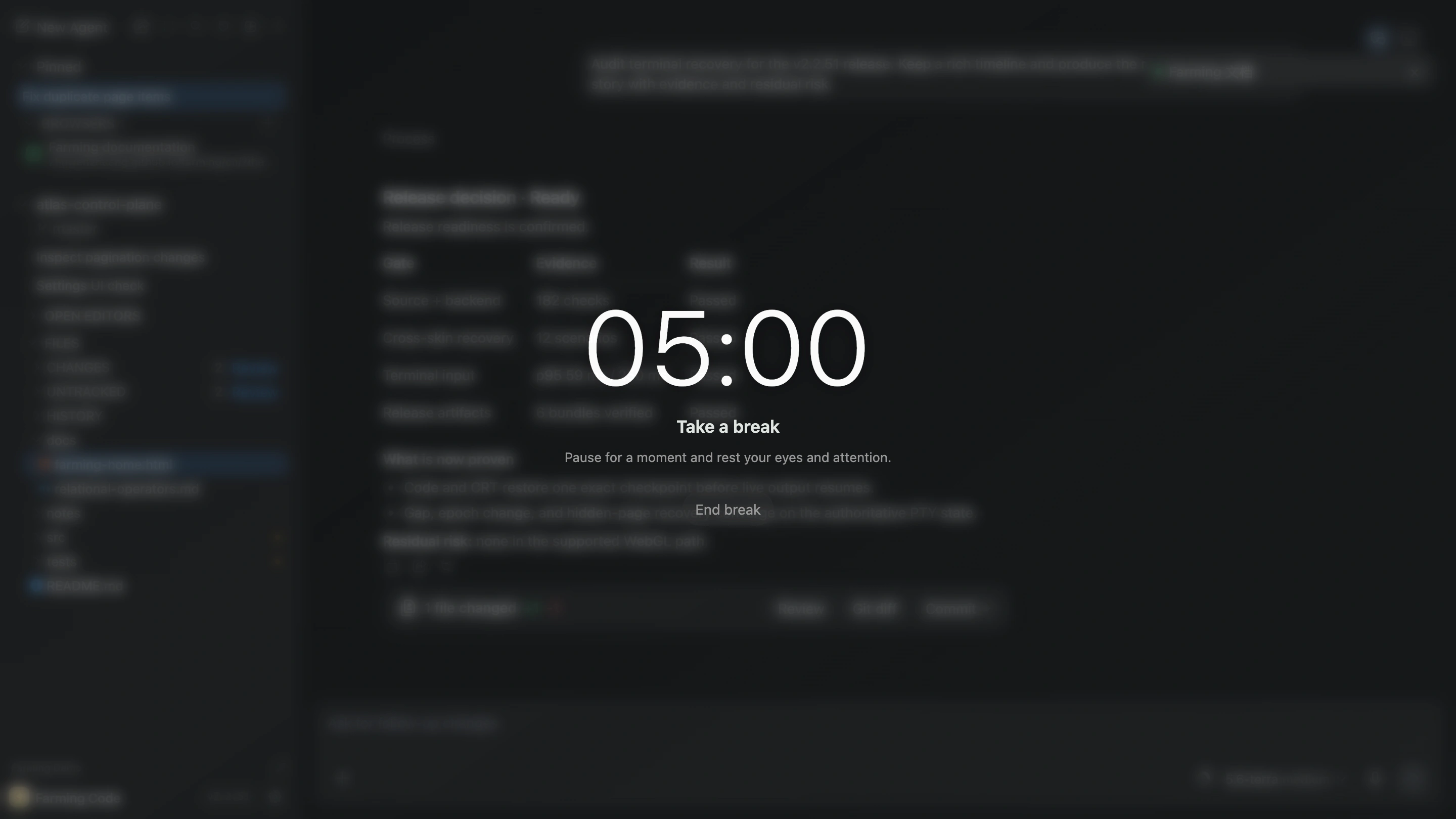
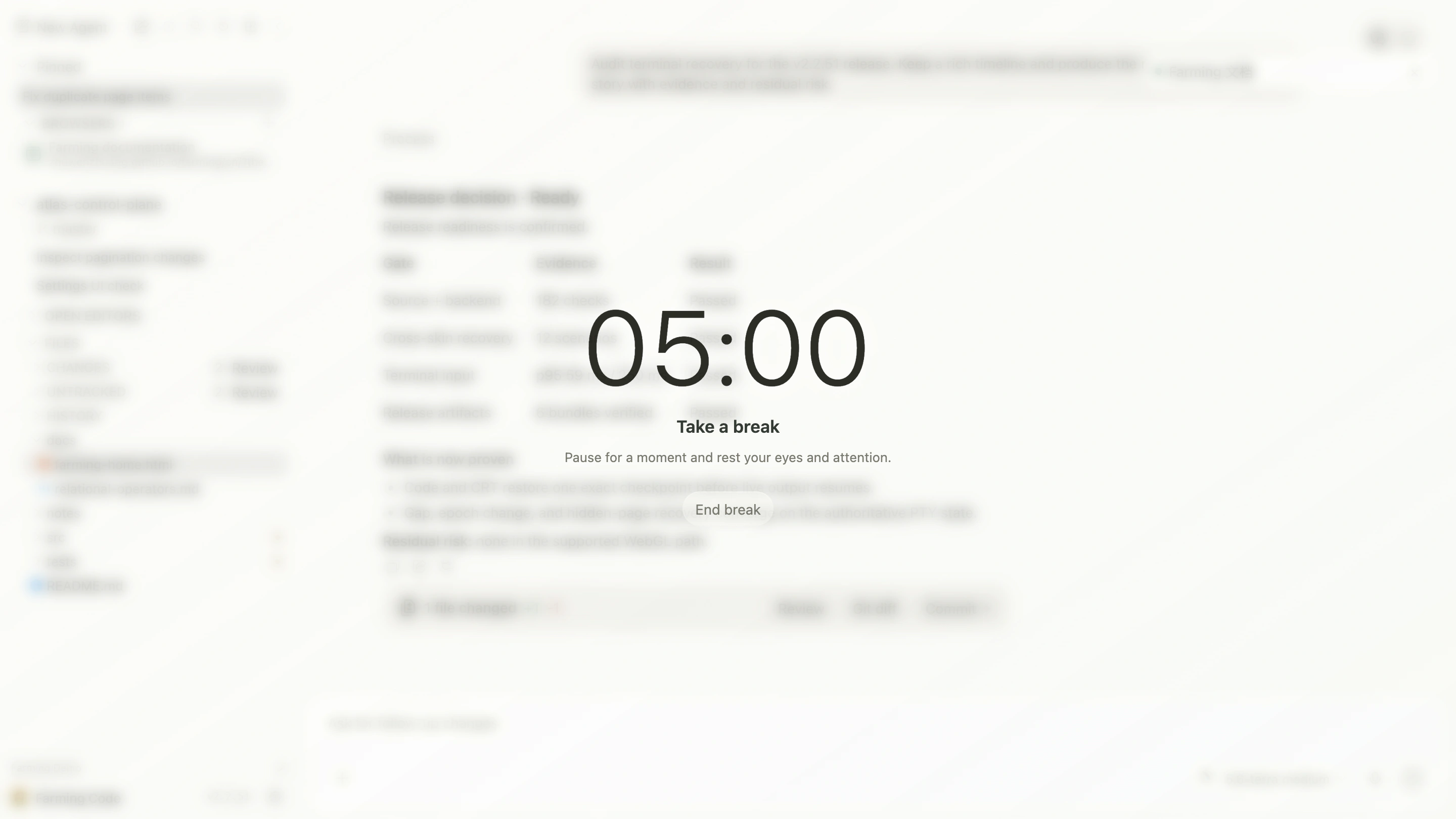
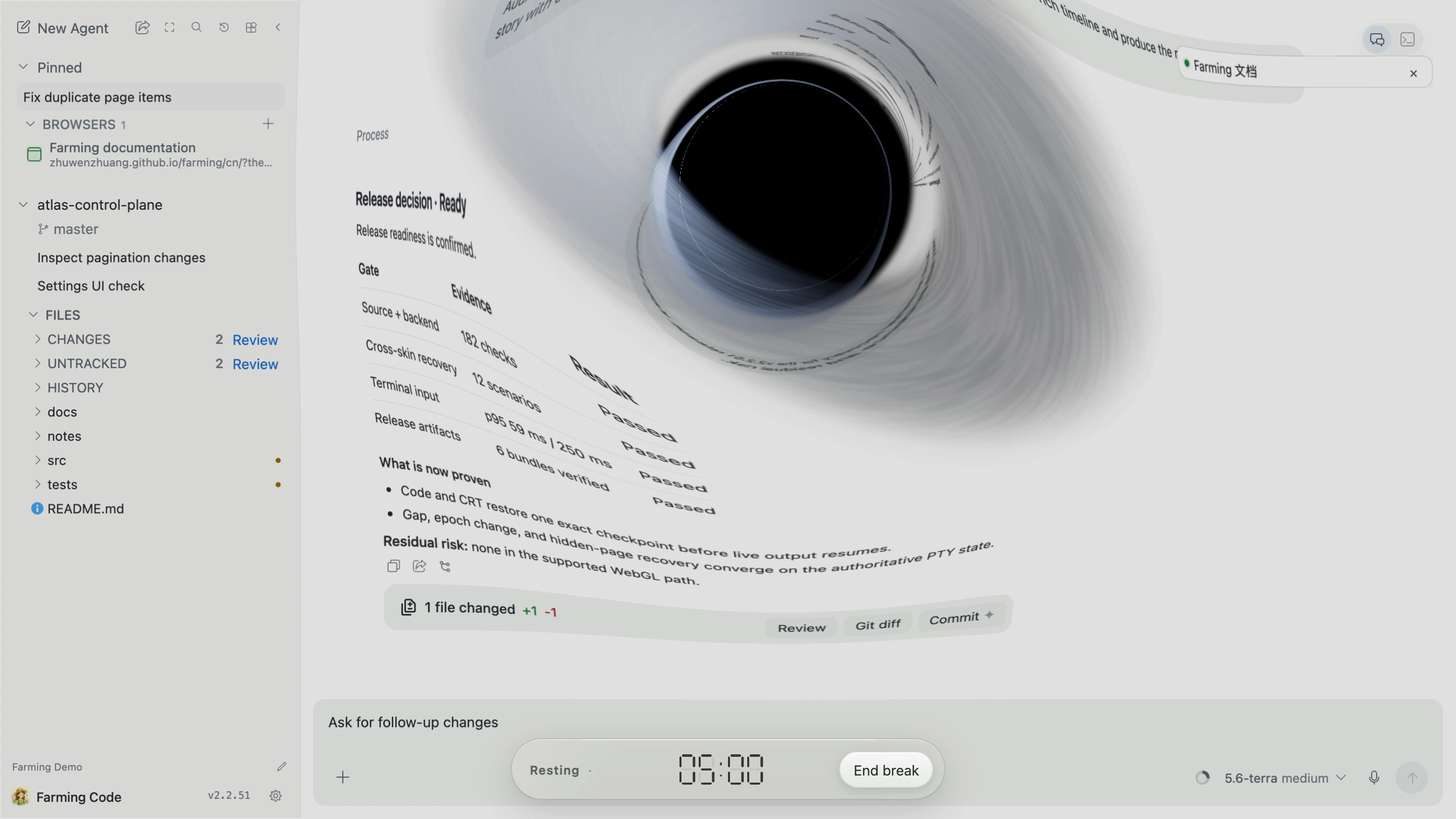
Farming Pet is an optional focus-timer-style rest reminder. Choose an interval and one of two rest scenes:
- Soft glow: a quiet frosted-light screen;
- Black hole: a full-screen animated black hole.
It measures foreground use of the current Farming tab and does not pause or alter Agent work.
Soft glow
Black hole
Updates
npm installations can check and prepare releases under Updates. The panel shows current version, target version, installation source, and explicit results.