

Search and History
Search finds current Projects, Agents, and files. History finds Sessions that have ended or no longer appear in the current list.
Global Search
Search by Agent title, Project name, file name, or file path. File results show their Project, a distinguishing workspace label when Projects share a name, and the complete relative path, so same-named files remain distinct. Select a result or press Enter to open that exact file and reveal it in the Project tree. A mounted Project's absolute path may also include :line:column or #LlineCcolumn to jump to a location.
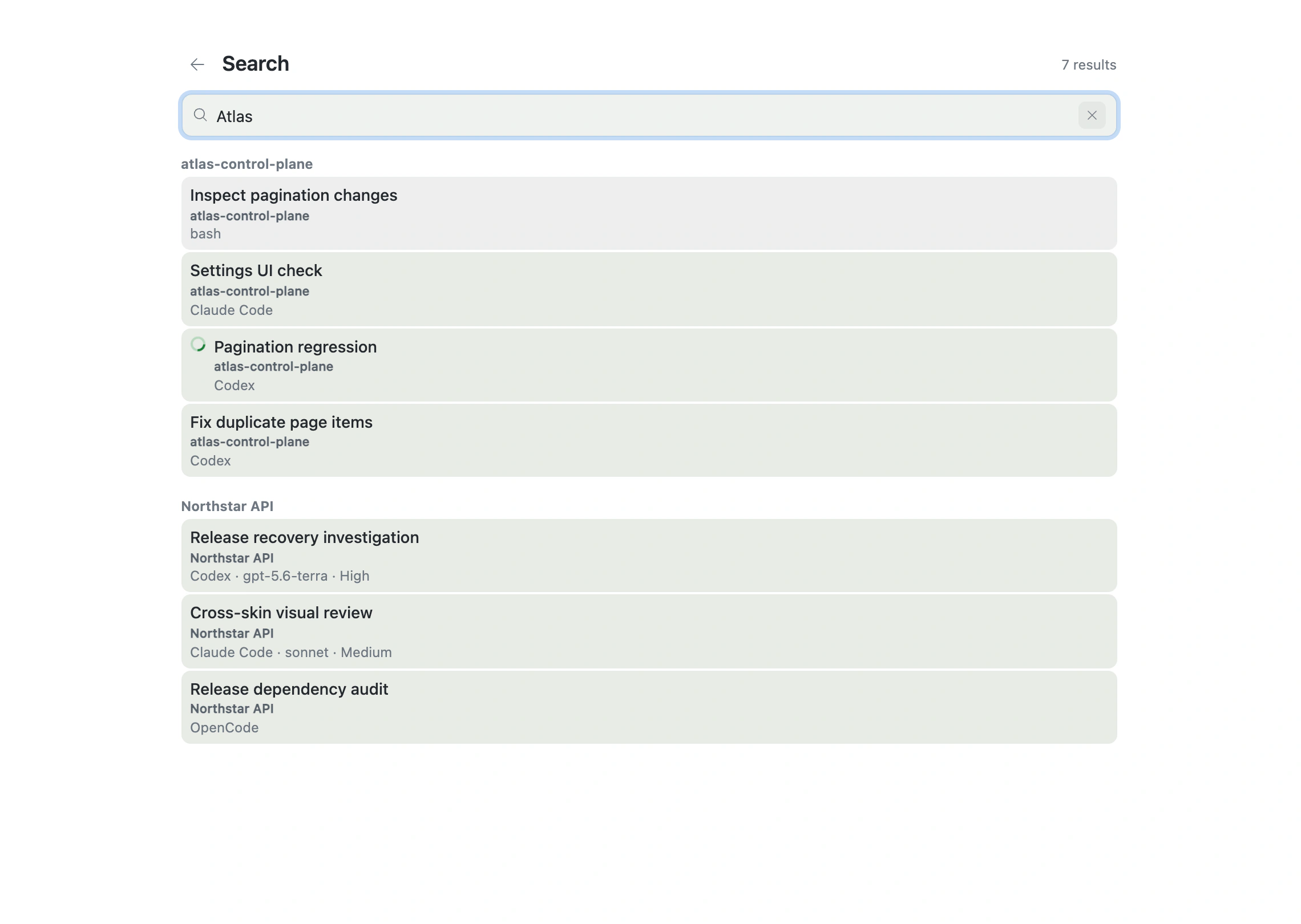
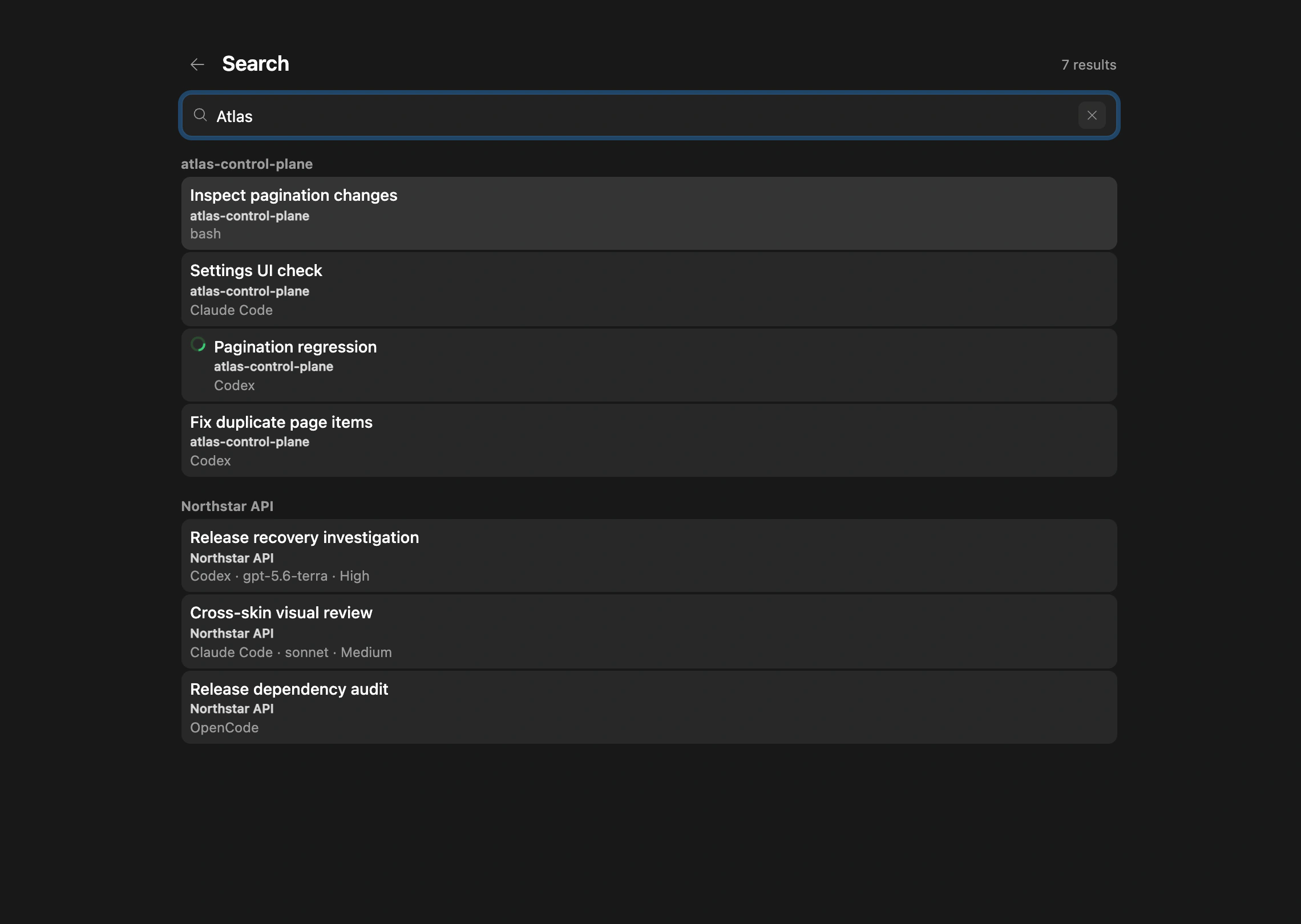
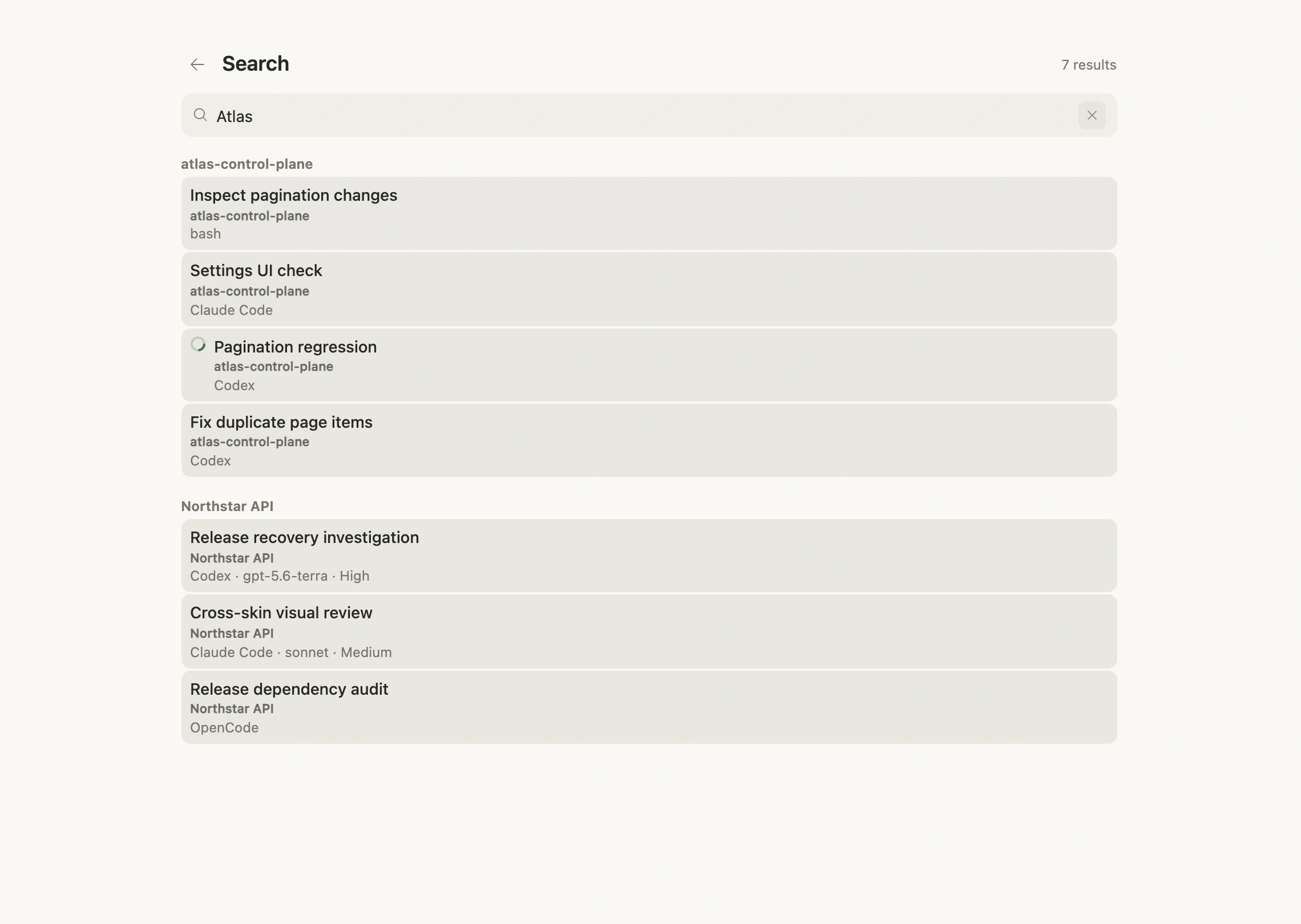
Opening Search triggers a fresh read of available data. A timeout or failure is shown explicitly instead of presenting stale results as current. If a file moves between Search and opening, Farming keeps Search visible and reports the failed path instead of opening a different match. Closing or changing Search cancels an in-progress file open. A timeout ends in an explicit incomplete or failed state with Retry instead of loading forever.
History
History can filter earlier work by title, command, Provider, or Workspace.
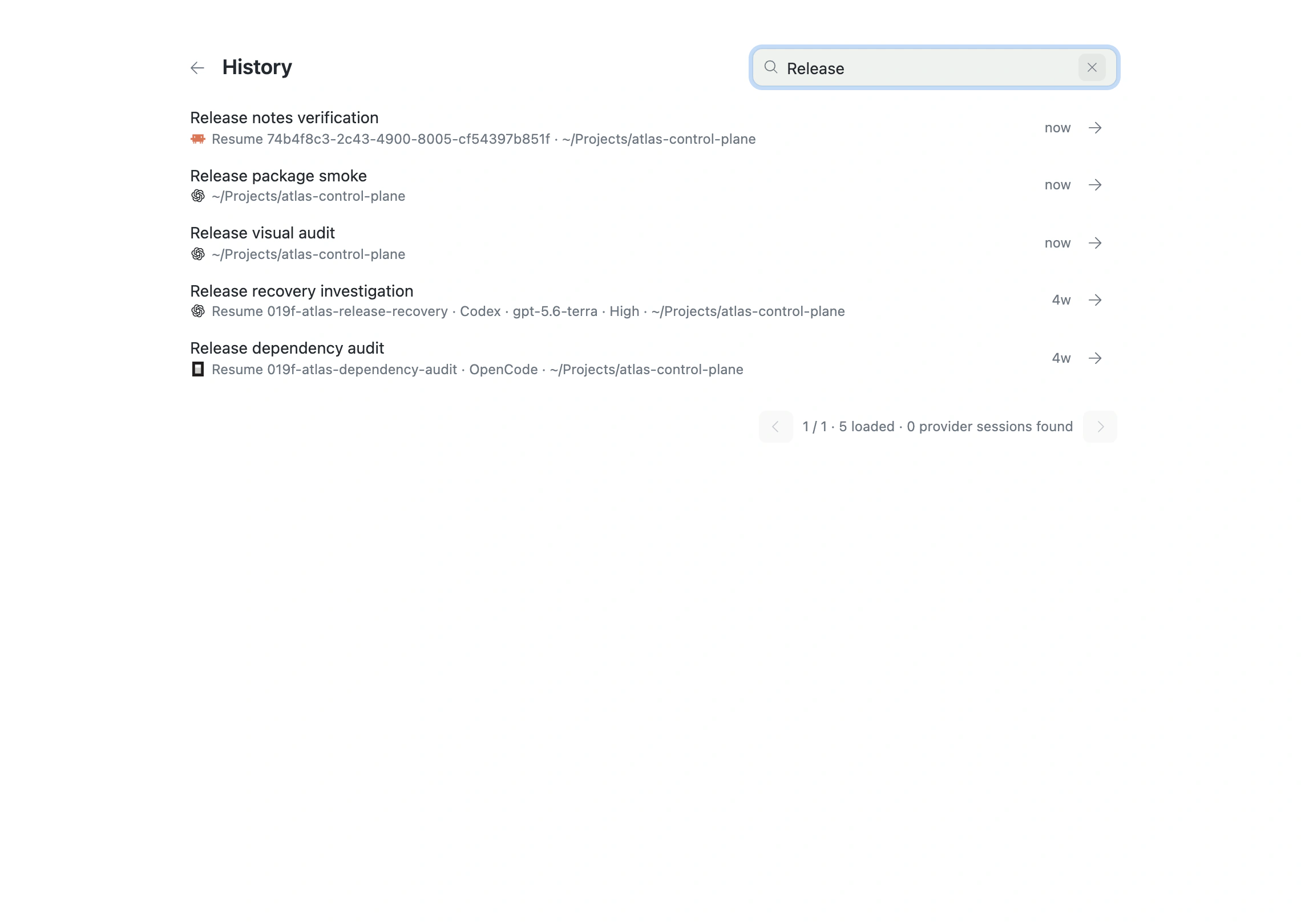
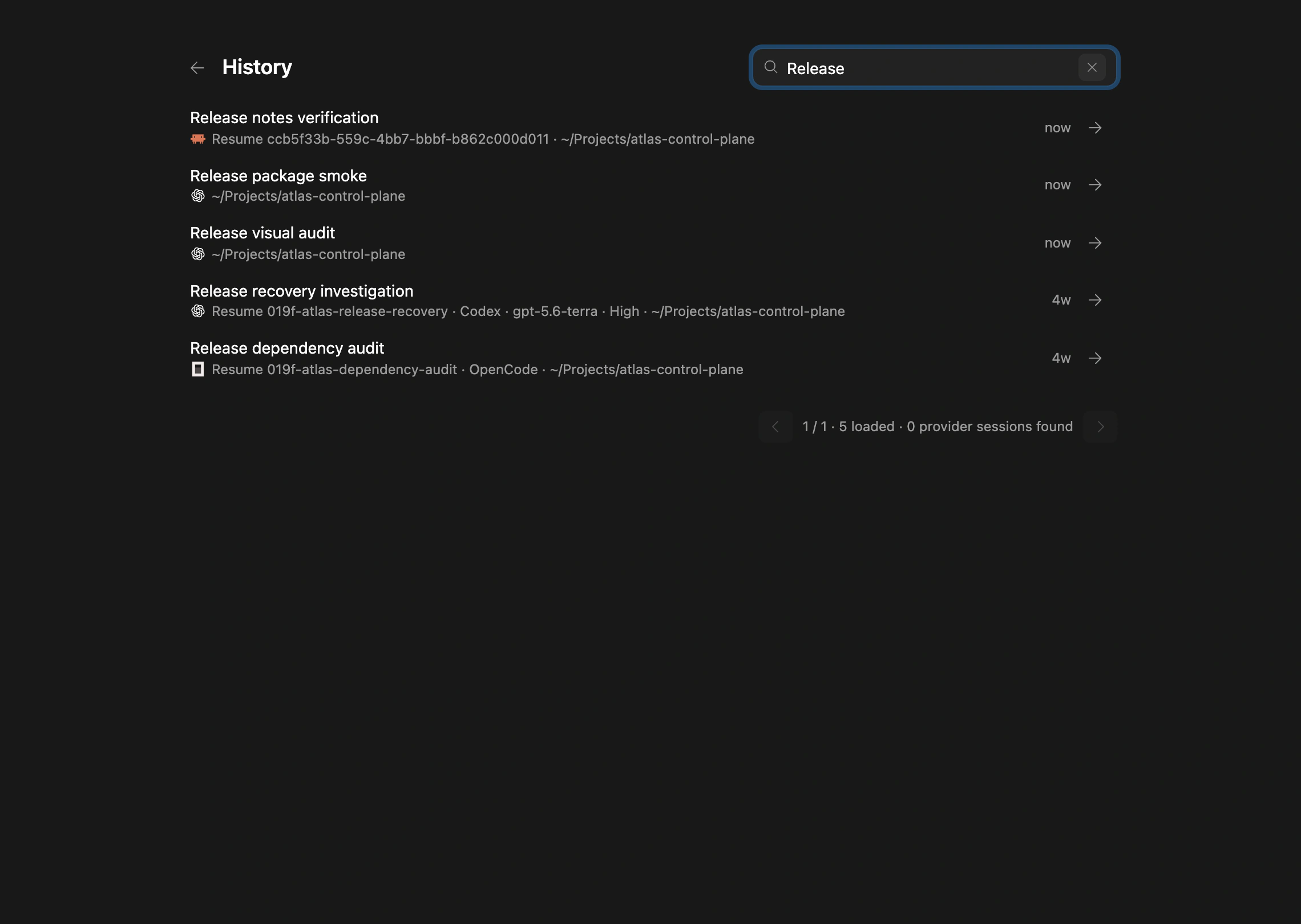
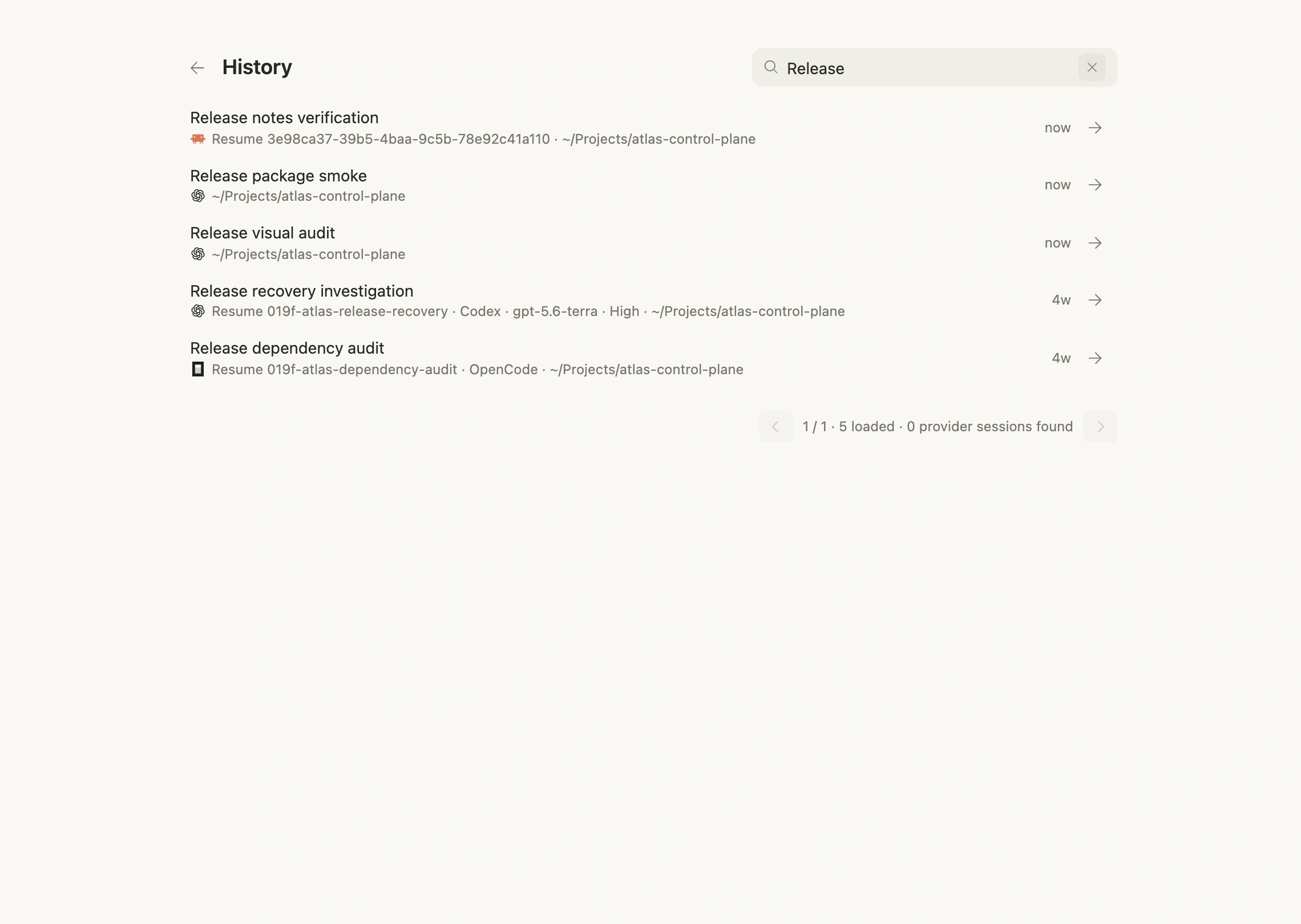
Whether a Session can resume depends on its Provider and type:
- supported coding Agents continue the original Session;
- output-only history can be read but may not resume;
- ordinary Shell Sessions generally cannot resume like coding Agent Sessions.
Use useful titles
Titles should describe the result or problem—“Fix duplicate pagination items,” not “Task 3.” Clear titles directly improve Search and History.
Check before resuming
Confirm that the Workspace still exists, branch and files match the Session's expectations, Provider authentication is valid, and another Agent is not modifying the same worktree.