

Farming Desktop Experimental
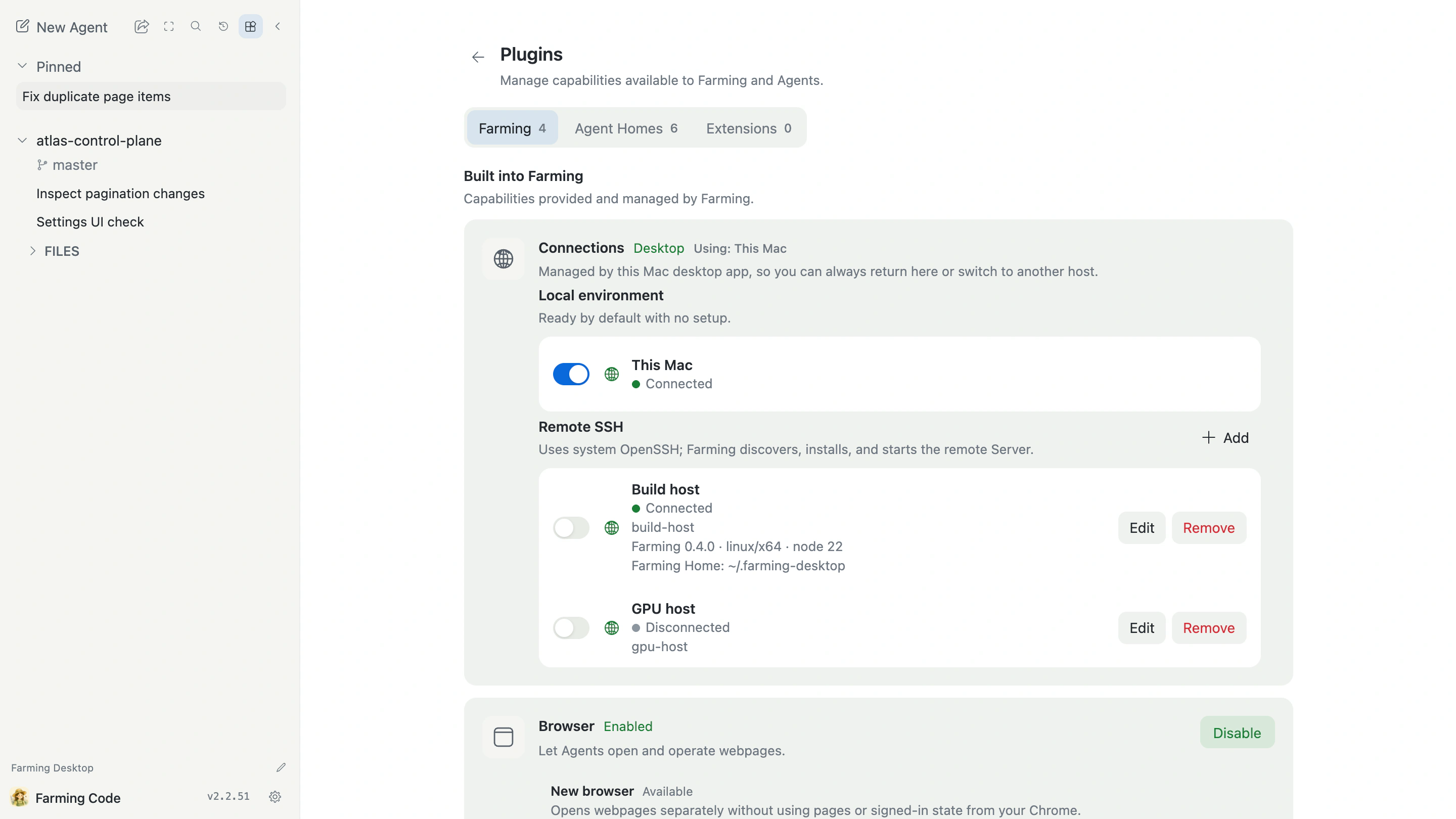
Farming Desktop packages the same Farming Code interface as a desktop application. It connects to Farming on this Mac by default and can save several trusted remote Farming backends.
Several backends, one interface
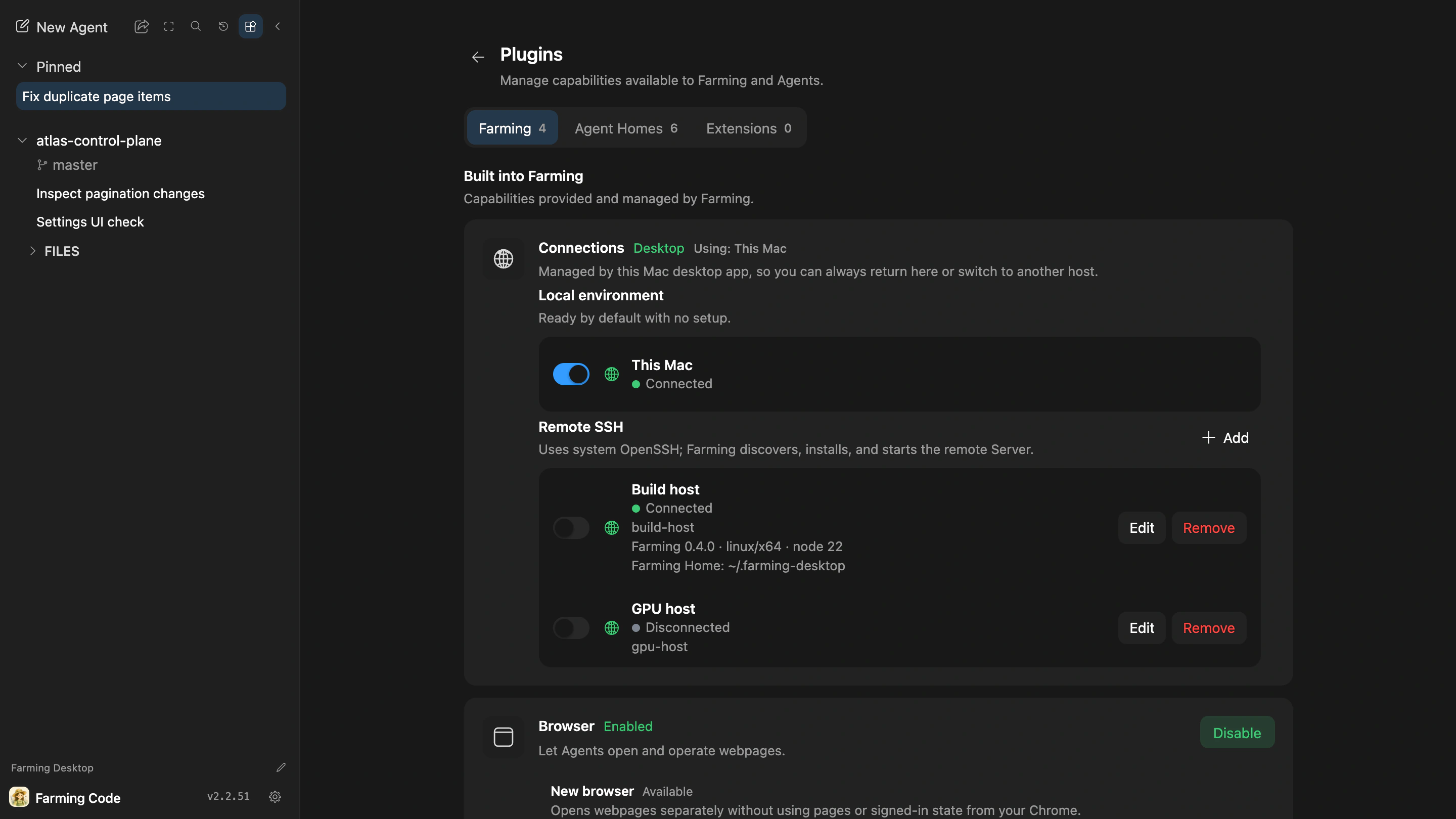
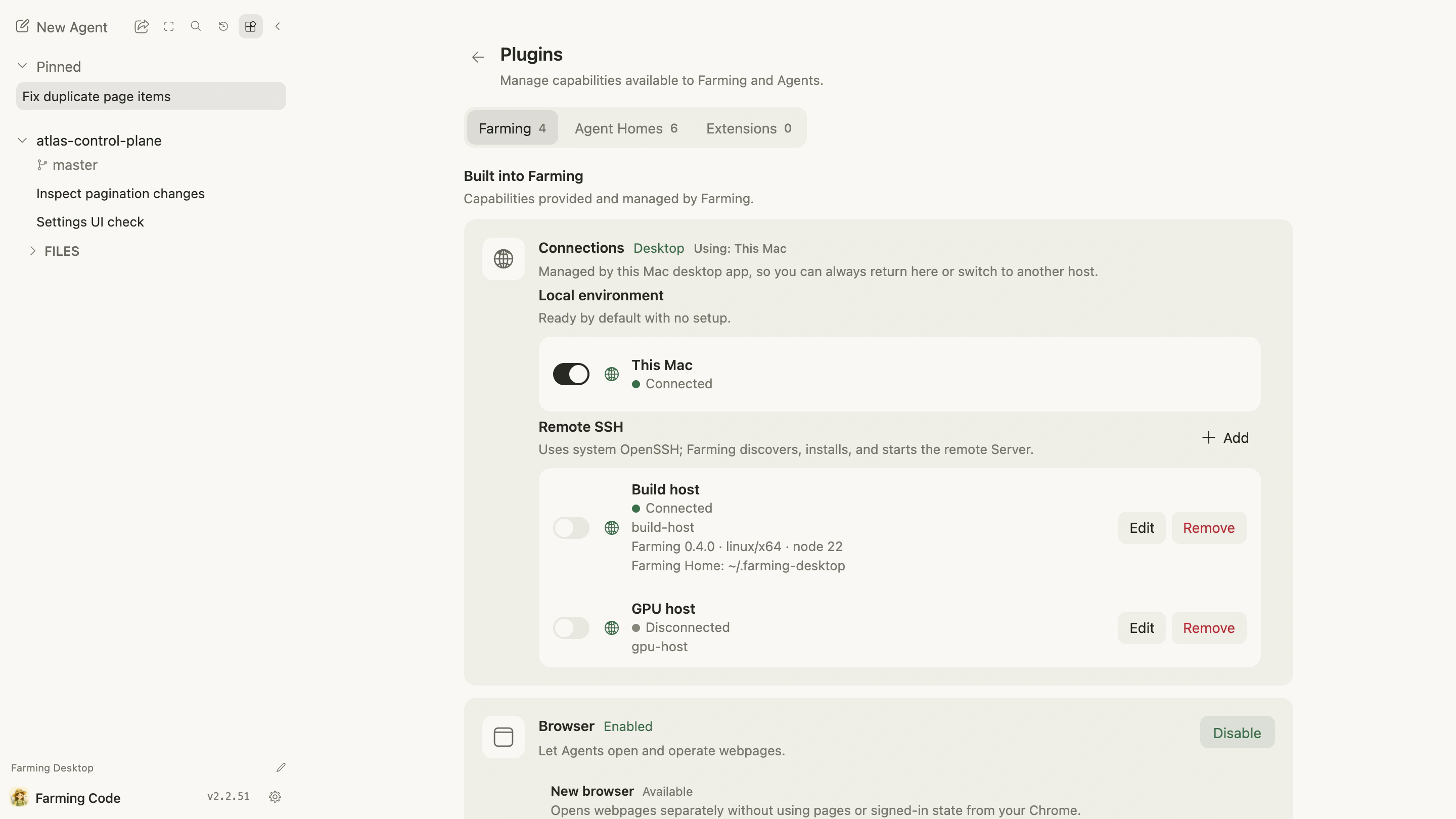
Connections are managed under Plugins → Connections. The local environment is available by default; remote environments use the system OpenSSH configuration.
The Desktop window uses one backend at a time. Projects, Agents, Sessions, and Files remain on their respective hosts. Switching reloads authoritative state from the selected backend, and you can return to this Mac or another saved backend later.
Connection and recovery
Desktop connects and checks the target before switching. If the new backend is not ready, the currently usable backend remains selected instead of leaving the window in a broken intermediate state.
Remote connection information and Tokens stay in the Desktop main process and are not exposed to ordinary page scripts. Add only trusted hosts and use controlled SSH configuration.
Current status
Farming Desktop remains experimental. Packaging, remote installation, protocol compatibility, and reconnect recovery are still being validated. It is not a second implementation of Farming Code.
For one Farming instance accessed from another device, start with Mobile and remote use.