

Files
Files lets you browse, search, and lightly edit Project files. Use it to verify code, configuration, and test evidence mentioned by an Agent.
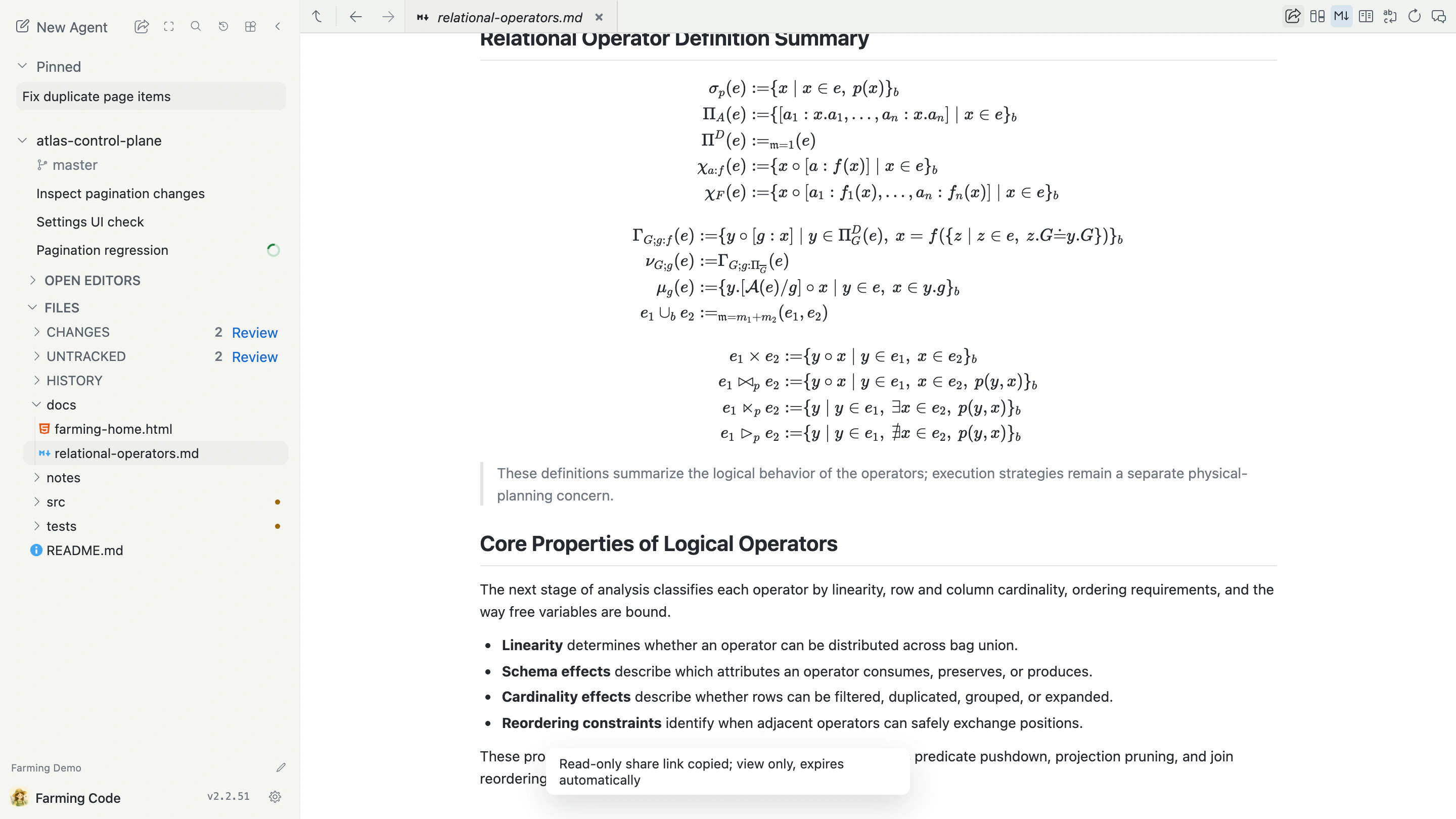
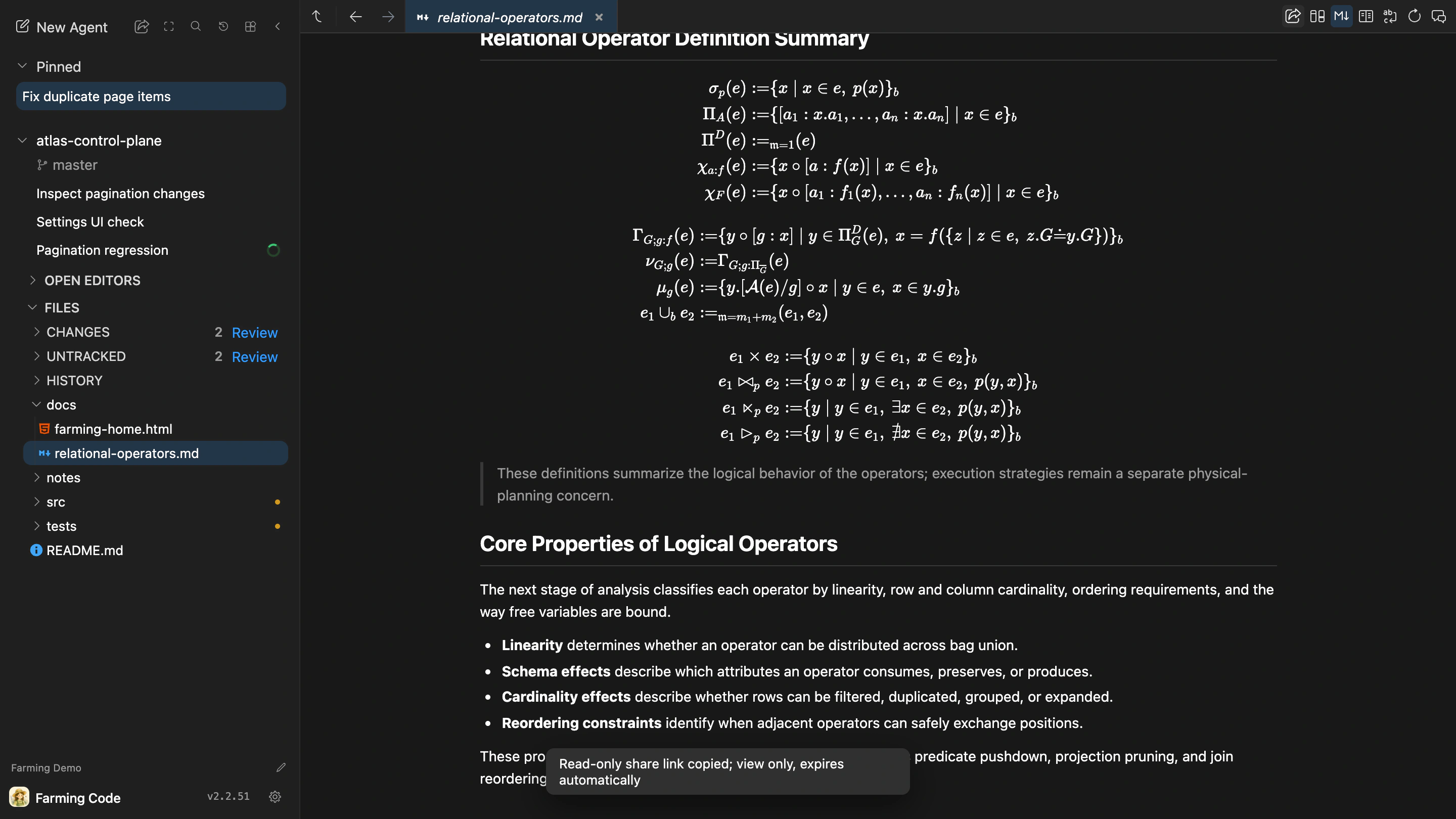
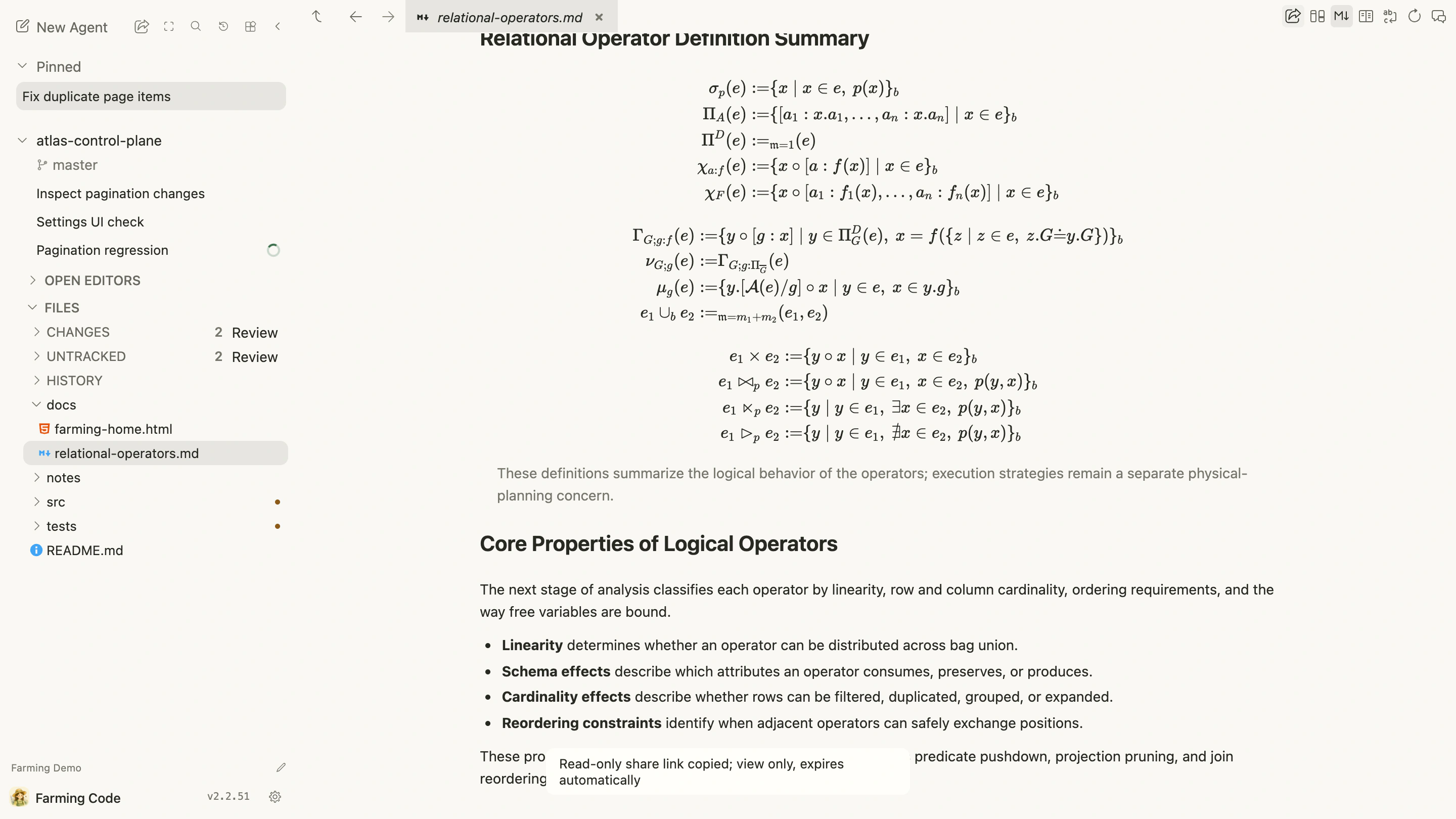
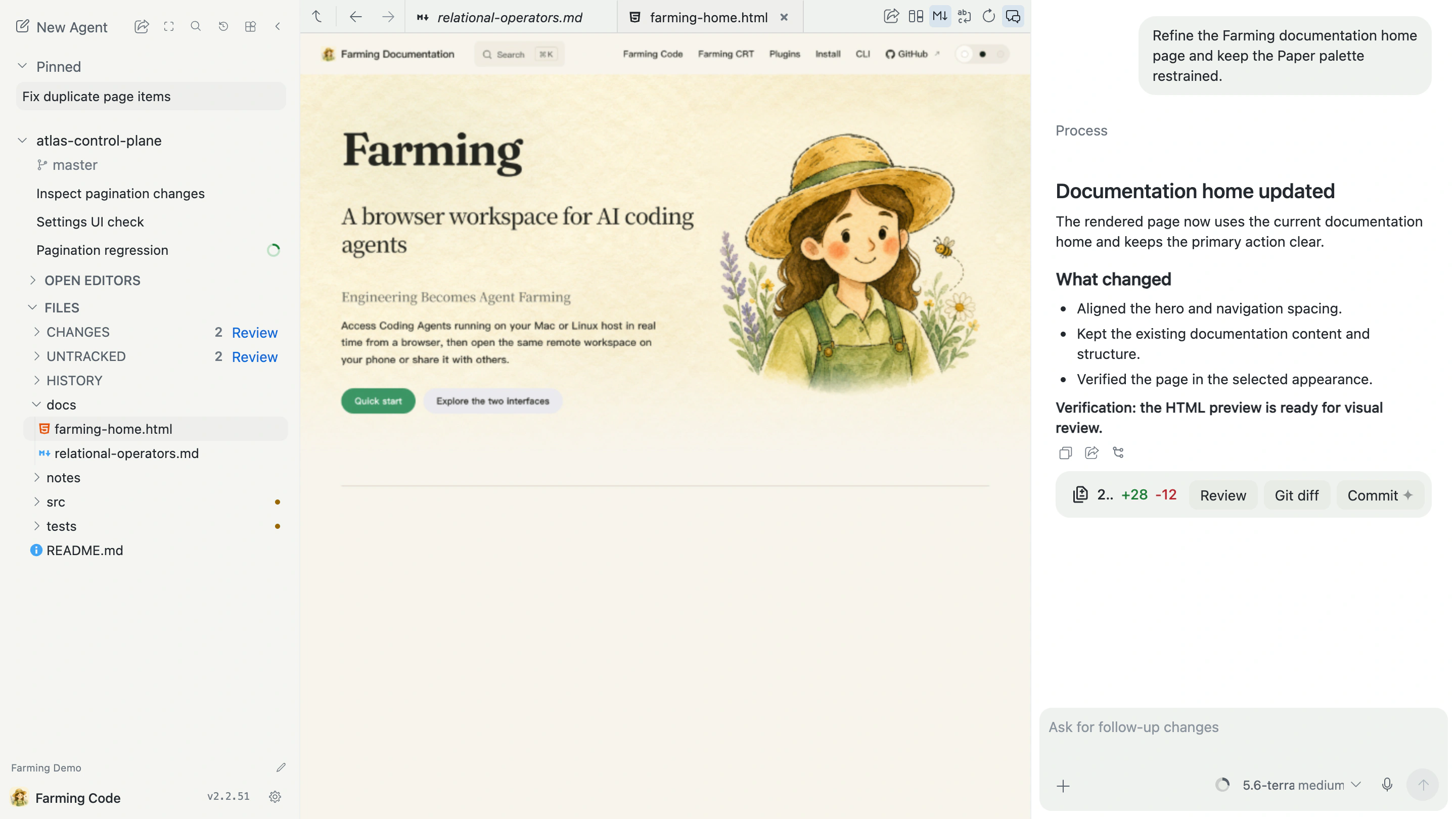
Observe the page while working with an Agent
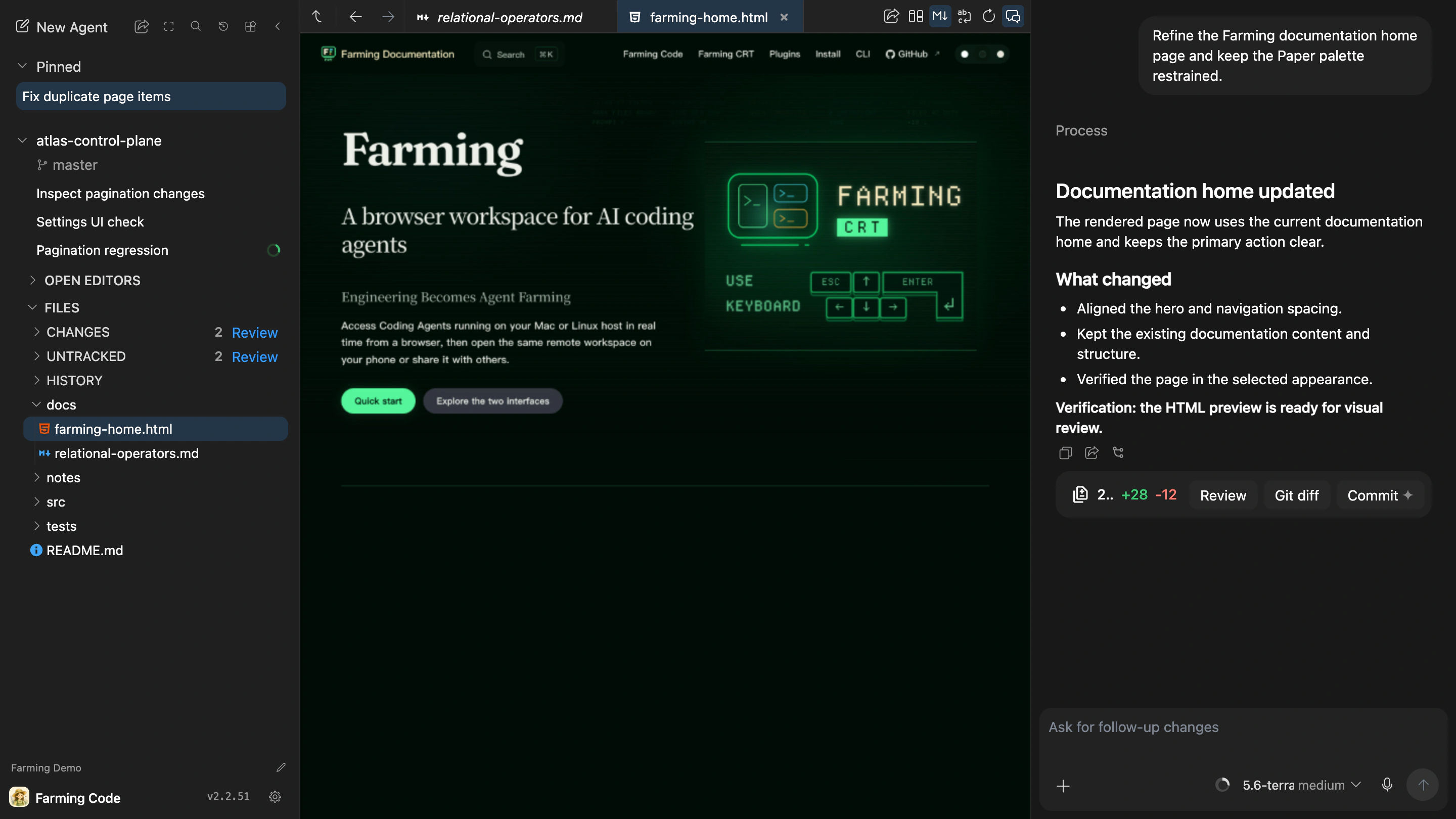
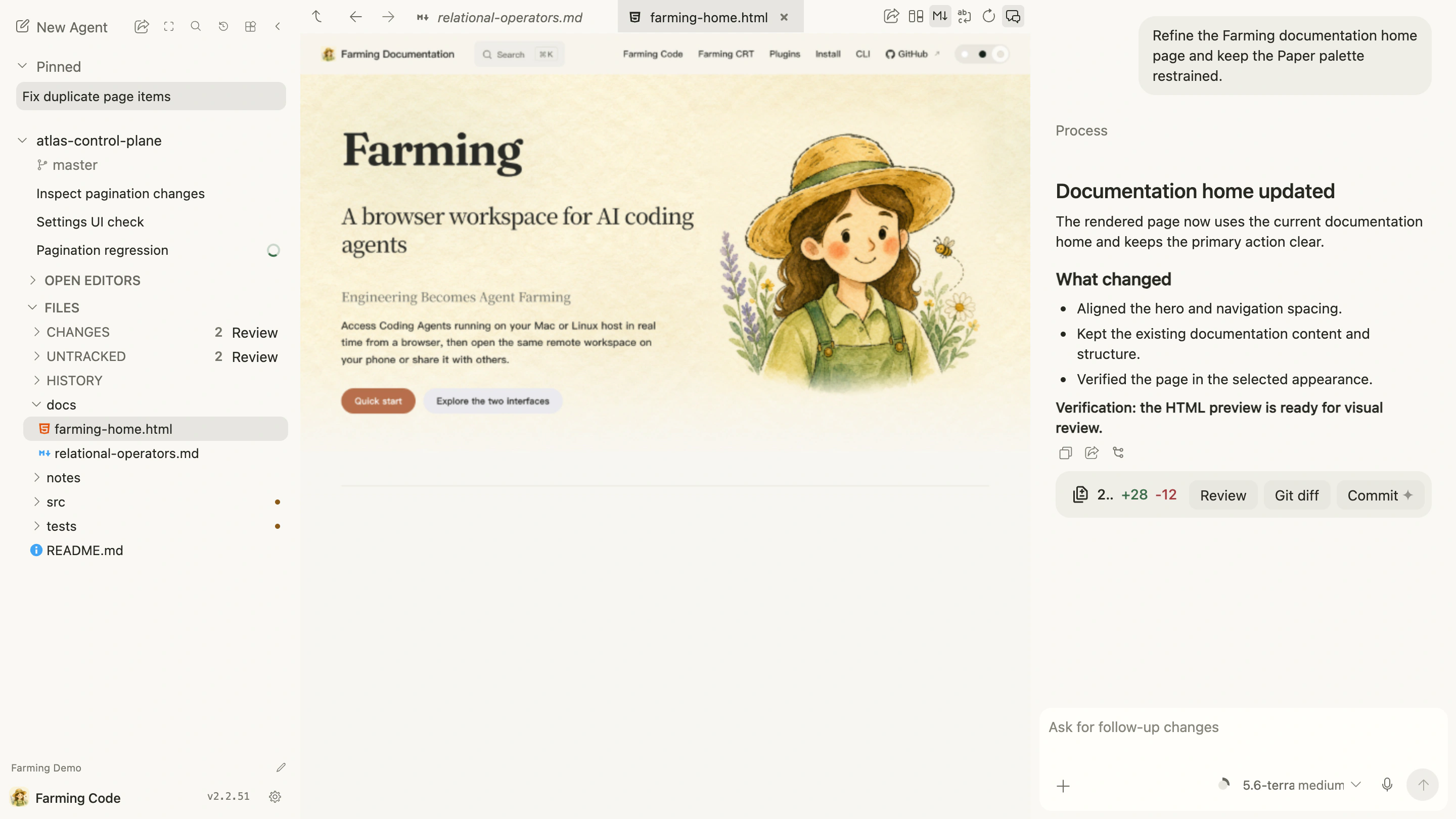
Open an HTML file and Files renders it in a restricted preview. Open the Agent from the File Viewer toolbar to keep the page on the left and the current Agent Chat on the right. The Agent can continue changing HTML, CSS, or documentation while you watch the rendered result and request the next adjustment without switching among an editor, browser, and Chat.
Browse files
The file tree is bounded by the Project Workspace. Farming reads current content from the Project host and does not mix paths from another Project.
Use Open Editors to return to files already opened. File tabs and the active Agent can switch independently, so inspecting code does not discard Chat or Terminal state.
Search
Search by file name, relative path, path:line, or text in code. Directory reads and search are bounded. Narrow the path or query when results are large instead of loading the whole repository into the browser.
Edit and save
Files is intended for small, explicit edits. Before saving:
- confirm the file belongs to the current Project;
- avoid overwriting an area another Agent is editing;
- rerun relevant checks after saving;
- edit authoritative source files instead of generated output.
Share the current reading position
The share button in the File Viewer toolbar copies a temporary read-only link. It records the current file, Editor or Diff view, and reading line and column. See Sharing and read-only access for the complete behavior.
Changes and Diff View
When the worktree changes, Files lists tracked and untracked files. Open a file for a quick view, or choose Review changes for a full Diff View with context and comments.
Diff View shows the selected comparison. It does not decide whether a change satisfies the task.
Git History
Git History shows commit graphs, messages, and file changes for the current or all branches. Select a commit to open its Diff View.
Git History comes from the repository; Agent History is used to find and resume Agent Sessions.
Blame and disk state
Blame is a useful investigation clue, not proof of current design intent. Combine it with code, tests, and current documentation.
Files shows actual files on the Farming Host. See Language Server for definitions, references, call hierarchy, and diagnostics.
Spreadsheet previews
XLSX, CSV and TSV open read-only with sheet selection, cell address, search and selection copy. With a Chat Agent selected, Quote in chat adds the selected cells, file version, sheet and range to its existing draft. Review before sending. Large selections require a smaller range; no data is silently sampled. If clipboard access fails, selectable text remains available for manual copying.